Comment organiser des rondes de surveillance efficaces sans points de contrôle physiques

Trackforce
December 5, 2019 · 7 min read
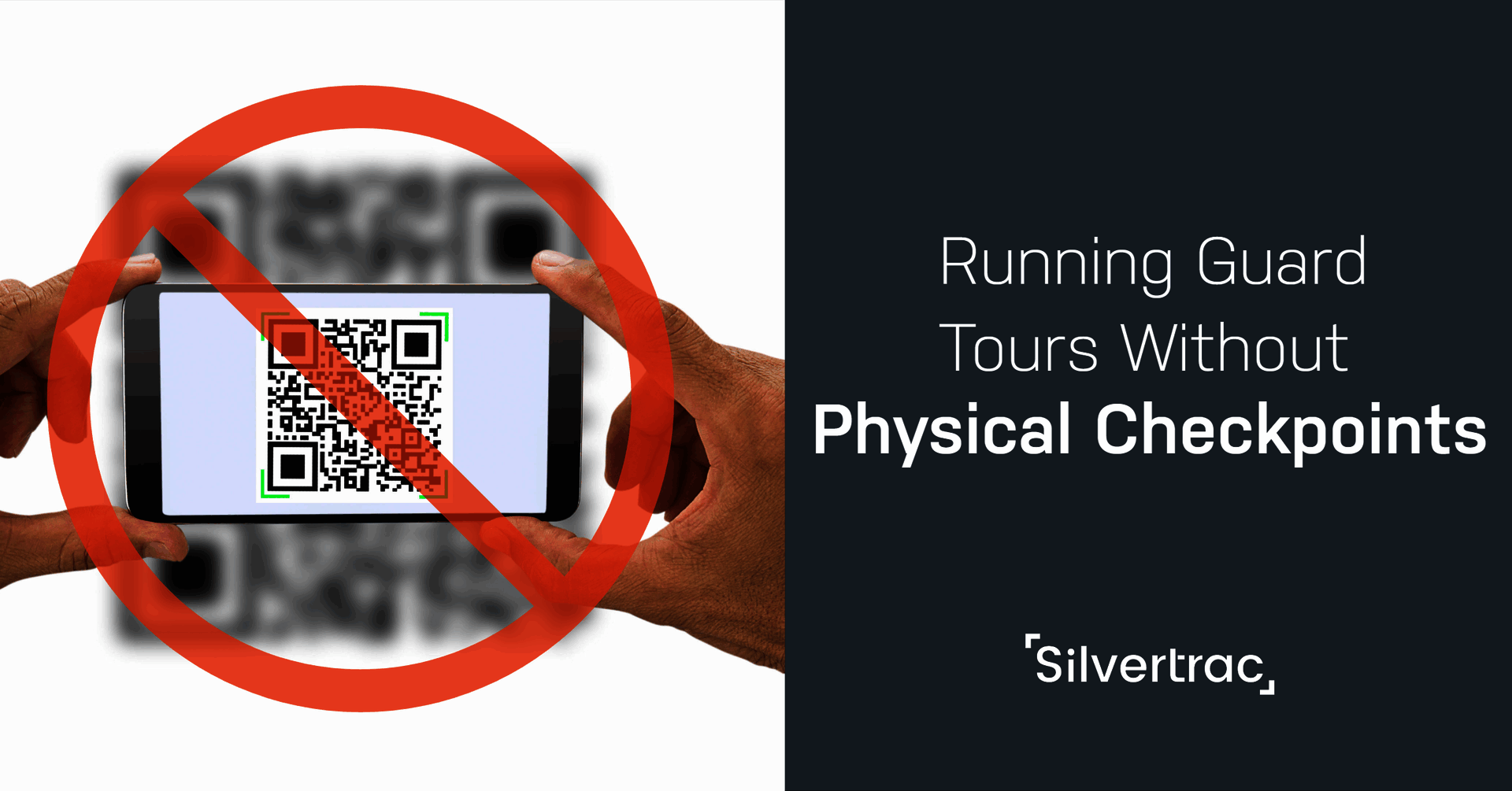
Chaque ronde de sécurité suit la même structure de base : les points de contrôle. Donner aux agents de sécurité des instructions claires sur la manière d'effectuer chaque ronde est le moyen le plus simple de garantir une ronde de haute qualité, standardisée et efficace.
Even more important than having guard tour checkpoints is making sure that checkpoints are in proper locations, like dimly lit parking lots and low traffic areas.
Using a guard tour software along with hanging physical checkpoints (QR codes, barcodes, and/or high-quality NFC tags) is the best way to guarantee that all of these processes are running smoothly.
Mais pour une raison ou une autre, certains établissements n'accepteront pas que leur société de sécurité installe ces points de contrôle physiques. Si tel est le cas, il peut s'avérer beaucoup plus difficile de suivre les performances des agents. Sans cette capacité à suivre les performances, il sera bien plus compliqué de s'adapter aux problèmes et de prouver notre valeur aux clients.
Luckily, Silvertrac’s Guard Tour patrol system has a built-in setting that allows officers to still conduct optimized tours without needing physical checkpoints.
Points clés à retenir
- Some sites will not allow physical tags.
Clients may not want QR codes, barcodes or NFC tags on their walls, but you still need proof of every round. - Manual submission keeps tours structured.
Officers follow the same scheduled tour and tap each checkpoint in the app instead of scanning a tag. - Evidence replaces the scan.
Required photos, audio, time stamps and GPS location keep every checkpoint accountable. - GPS and geofencing add another option.
Location-based checkpoints confirm officers reached each area without hanging anything. - TrackTik offers five ways to check in.
NFC, barcode, QR code, GPS and manual check-ins let you match the method to each site.
Ronde de surveillance avec enregistrement manuel
La configuration des circuits en vue d'une soumission manuelle est très simple. Il vous suffit d'accéder à votre portail web Silvertrac et de consacrer quelques minutes à suivre ces 6 étapes.
- Commencez par accéder à l'écran « Entretien des biens immobiliers » sur le portail Web Silvertrac
- Sur l'écran d'accueil « Entretien des biens immobiliers », recherchez le bien pour lequel vous devez configurer l'envoi manuel, puis sélectionnez-le.
- Une fois que vous avez sélectionné le bien immobilier, cliquez sur « Visite Checkpoint » : un écran répertoriant toutes les visites disponibles pour ce bien s'affichera. Cliquez sur « Ajouter une nouvelle visite » en bas de cet écran.
- À partir de là, il faut planifier l'ensemble du circuit. Cela comprend les horaires et les jours où il se déroulera, ainsi que chaque point de contrôle.
- Une fois que vous aurez terminé de remplir le formulaire de visite, cochez la case située en bas du formulaire intitulée « Autoriser l'envoi manuel ».
- Enregistrer le circuit.
It’s just that easy! Officers will conduct business as usual. They clock in on the Silvertrac app like normal and go through their tour. At each checkpoint, they will simply tap the checkpoint description instead of scanning a physical checkpoint or using an outdated Deggy wand.
Lorsque l'application leur demande s'ils souhaitent ou non scanner le point de contrôle, ils sélectionnent « oui ». L'agent recevra alors les instructions relatives au point de contrôle, comme d'habitude.
On your side, you can require photo submissions or audio files. Everything is still time-stamped and GPS-tracked in the Issue Monitor to guarantee accountability.
Still have questions? Visit Trackforce support for help setting it up.
Retour sur investissement garanti
Les rondes de surveillance saisies manuellement vous permettent d'assurer une gestion homogène de vos opérations sur l'ensemble de vos sites et de garantir la responsabilité des agents de sécurité, tout en respectant les exigences propres à chaque site.
Cette fonctionnalité vous garantit des rapports de qualité qui permettent de démontrer votre retour sur investissement à vos clients, quelle que soit la situation dans laquelle vous vous trouvez.
Options When You Can’t Hang Checkpoints
| Option | Comment ça marche ? | Idéal pour |
|---|---|---|
| Manual submission | Officers tap each checkpoint in the app as they reach it | Sites that ban tags but have clearly defined stops |
| GPS checkpoints | The app confirms the officer’s location at each point | Large outdoor areas, parking lots and campuses |
| Zones géolocalisées | Arrival is recorded when an officer enters a defined area | Multi-building sites and mobile patrol stops |
| Photo verification | Officers take a time-stamped photo at each point | Sites where visual proof matters to the client |
| Discreet tags | Small NFC tags placed out of sight, with client approval | Clients who object to visible tags but not hidden ones |
For a deeper look at location-based check-ins, learn how to use GPS and geofencing for security guard tracking.
How to Keep Tours Without Physical Checkpoints Accountable
- Require a photo at key points. A time-stamped image shows the officer was there and what they saw.
- Use GPS location. Location data confirms each check-in happened in the right place.
- Set time windows. Start and end times flag rounds done too early or too late.
- Add exception questions. Quick yes or no questions, such as “Is the gate locked?”, capture site status at each stop.
- Review tours regularly. Supervisors should spot-check tours and follow up on gaps.
- Share results with clients. Show tour activity through the client portal in TrackTik security operations.
For more ways to strengthen every round, read how to improve security patrols with guard tour software.
How TrackTik Handles Tours Without Physical Tags
- Cinq méthodes d'enregistrement. Le système de ronde des agents de sécurité TrackTik prend en charge les enregistrements via NFC, code-barres, code QR, GPS et manuellement.
- GPS tracking and geofenced zones. Confirm officers reached each area without hanging anything.
- Actions at every checkpoint. Log an incident, open a form, display a message, ask exception questions or trigger an alert.
- Live tour progress. The TrackTik security guard tour app shows completion in real time and alerts supervisors to missed checkpoints.
- Proof that holds up. TrackTik guard management and TrackTik business intelligence turn tour data into reports clients trust.
Whether you serve property management clients with strict rules or large sites where tags are impractical, book a TrackTik demo to see every check-in option.
Questions fréquemment posées
Derniers articles


Ressources à la une





Découvrez Trackforce en action
Prenez rendez-vous avec notre équipe pour une démonstration et découvrez comment cette solution s'adapte à votre activité.