So führen Sie effektive Wachrundgänge ohne physische Kontrollpunkte durch

Trackforce
December 5, 2019 · 7 min read
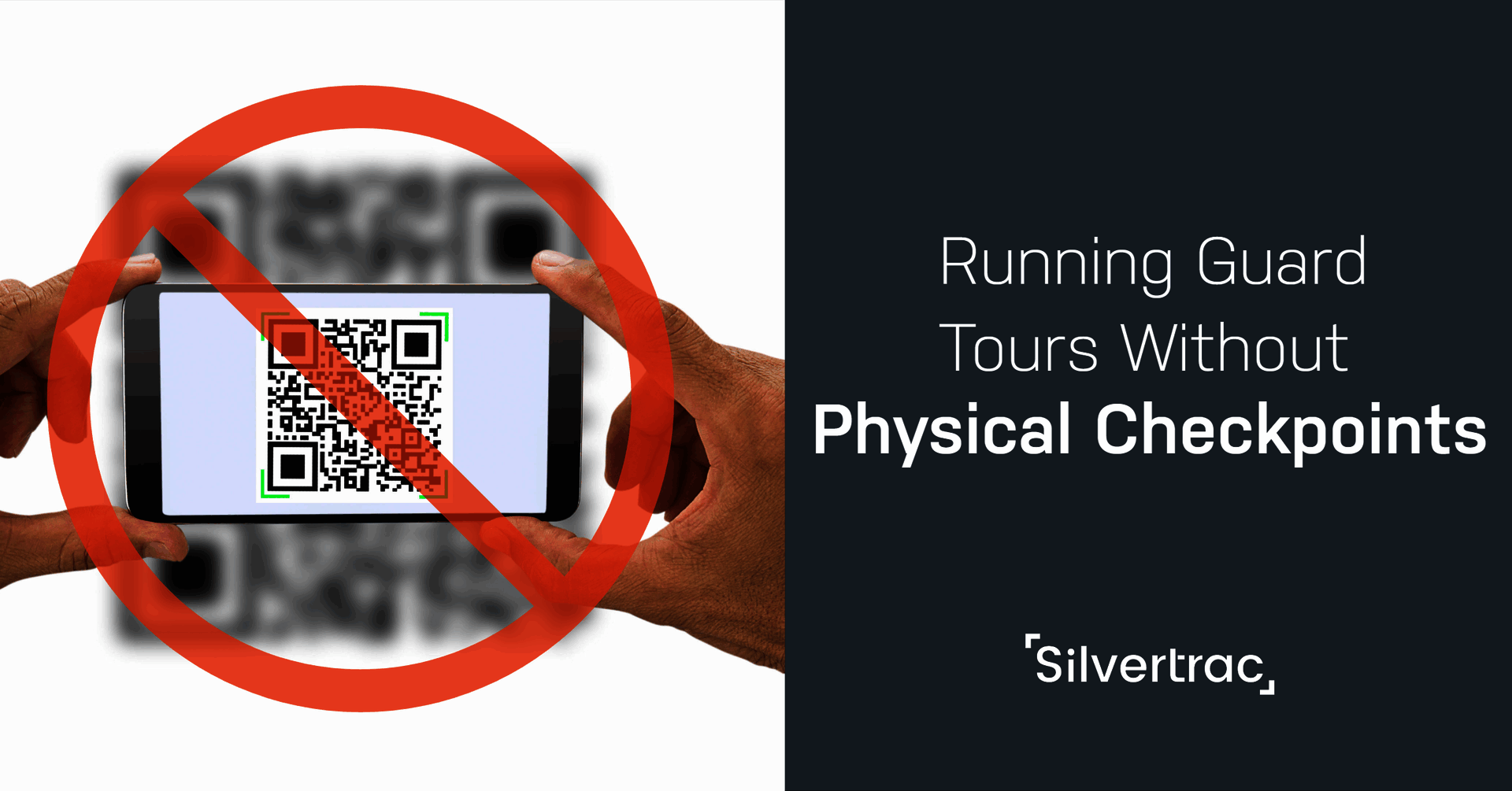
Jede Wachrunde folgt dem gleichen Grundschema: Kontrollpunkte. Den Sicherheitskräften klare Anweisungen zur Durchführung der einzelnen Rundgänge zu geben, ist der einfachste Weg, um eine qualitativ hochwertige, standardisierte und effiziente Wachrunde zu gewährleisten.
Even more important than having guard tour checkpoints is making sure that checkpoints are in proper locations, like dimly lit parking lots and low traffic areas.
Using a guard tour software along with hanging physical checkpoints (QR codes, barcodes, and/or high-quality NFC tags) is the best way to guarantee that all of these processes are running smoothly.
Aus welchem Grund auch immer – manche Immobilienbetreiber werden es nicht gutheißen, dass ihr Sicherheitsdienst diese physischen Kontrollpunkte aufstellt. Ist dies der Fall, kann es deutlich schwieriger sein, die Leistung der Sicherheitskräfte zu überwachen. Ohne die Möglichkeit, die Leistung zu überwachen, wird es wesentlich schwieriger sein, auf Probleme zu reagieren und den Kunden den Nutzen des Dienstes zu belegen.
Luckily, Silvertrac’s Guard Tour patrol system has a built-in setting that allows officers to still conduct optimized tours without needing physical checkpoints.
Die wichtigsten Erkenntnisse
- Some sites will not allow physical tags.
Clients may not want QR codes, barcodes or NFC tags on their walls, but you still need proof of every round. - Manual submission keeps tours structured.
Officers follow the same scheduled tour and tap each checkpoint in the app instead of scanning a tag. - Evidence replaces the scan.
Required photos, audio, time stamps and GPS location keep every checkpoint accountable. - GPS and geofencing add another option.
Location-based checkpoints confirm officers reached each area without hanging anything. - TrackTik offers five ways to check in.
NFC, barcode, QR code, GPS and manual check-ins let you match the method to each site.
Manuelle Übermittlung der Wachrunde
Das Einrichten von Touren für die manuelle Übermittlung ist ganz einfach. Sie benötigen lediglich Zugriff auf Ihr Silvertrac-Webportal und ein paar Minuten Zeit, um diese 6 Schritte auszuführen.
- Rufen Sie zunächst den Bildschirm zur Immobilieninstandhaltung im Silvertrac-Webportal auf.
- Suchen Sie auf dem Startbildschirm „Objektverwaltung“ nach dem Objekt, für das Sie die manuelle Übermittlung einrichten möchten, und wählen Sie es aus.
- Sobald Sie die Immobilie ausgewählt haben, klicken Sie auf „Checkpoint-Tour“ – daraufhin erscheint ein Fenster mit einer Liste aller Touren für diese Immobilie. Klicken Sie unten auf diesem Bildschirm auf „Neue Tour hinzufügen“.
- Von hier aus muss die gesamte Tour geplant werden. Dazu gehören der Zeitpunkt und die Tage, an denen sie stattfindet, sowie jeder einzelne Kontrollpunkt.
- Wenn Sie das Formular ausgefüllt haben, aktivieren Sie das Kontrollkästchen am Ende des Formulars mit der Bezeichnung „Manuelle Übermittlung zulassen“.
- Speichere die Tour.
It’s just that easy! Officers will conduct business as usual. They clock in on the Silvertrac app like normal and go through their tour. At each checkpoint, they will simply tap the checkpoint description instead of scanning a physical checkpoint or using an outdated Deggy wand.
Wenn die App fragt, ob sie den Kontrollpunkt scannen möchten, wählen sie „Ja“ aus. Der Beamte erhält wie gewohnt Anweisungen zum Kontrollpunkt.
On your side, you can require photo submissions or audio files. Everything is still time-stamped and GPS-tracked in the Issue Monitor to guarantee accountability.
Still have questions? Visit Trackforce support for help setting it up.
Garantierte Kapitalrendite
Durch manuell erfasste Wachrundgänge können Sie Ihren Betrieb über alle Standorte hinweg einheitlich gestalten, die Rechenschaftspflicht der Wachkräfte sicherstellen und gleichzeitig die Anforderungen der einzelnen Standorte einhalten.
Diese Funktion stellt sicher, dass Sie qualitativ hochwertige Berichte erhalten, mit denen Sie Ihren Kunden Ihren ROI nachweisen können – ganz gleich, in welcher Situation Sie sich gerade befinden.
Options When You Can’t Hang Checkpoints
| Option | So funktioniert es | Am besten geeignet für |
|---|---|---|
| Manual submission | Officers tap each checkpoint in the app as they reach it | Sites that ban tags but have clearly defined stops |
| GPS checkpoints | The app confirms the officer’s location at each point | Large outdoor areas, parking lots and campuses |
| Geofence-Zonen | Arrival is recorded when an officer enters a defined area | Multi-building sites and mobile patrol stops |
| Photo verification | Officers take a time-stamped photo at each point | Sites where visual proof matters to the client |
| Discreet tags | Small NFC tags placed out of sight, with client approval | Clients who object to visible tags but not hidden ones |
For a deeper look at location-based check-ins, learn how to use GPS and geofencing for security guard tracking.
How to Keep Tours Without Physical Checkpoints Accountable
- Require a photo at key points. A time-stamped image shows the officer was there and what they saw.
- Use GPS location. Location data confirms each check-in happened in the right place.
- Set time windows. Start and end times flag rounds done too early or too late.
- Add exception questions. Quick yes or no questions, such as “Is the gate locked?”, capture site status at each stop.
- Review tours regularly. Supervisors should spot-check tours and follow up on gaps.
- Share results with clients. Show tour activity through the client portal in TrackTik security operations.
For more ways to strengthen every round, read how to improve security patrols with guard tour software.
How TrackTik Handles Tours Without Physical Tags
- Five ways to check in. The TrackTik security guard tour system supports NFC, barcode, QR code, GPS and manual check-ins.
- GPS tracking and geofenced zones. Confirm officers reached each area without hanging anything.
- Actions at every checkpoint. Log an incident, open a form, display a message, ask exception questions or trigger an alert.
- Live tour progress. The TrackTik security guard tour app shows completion in real time and alerts supervisors to missed checkpoints.
- Proof that holds up. TrackTik guard management and TrackTik business intelligence turn tour data into reports clients trust.
Whether you serve property management clients with strict rules or large sites where tags are impractical, book a TrackTik demo to see every check-in option.
Häufig gestellte Fragen
Neueste Artikel





Empfohlene Ressourcen





Sehen Sie Trackforce in Aktion
Vereinbaren Sie einen Termin für eine Vorführung mit unserem Team und finden Sie heraus, wie sich das Produkt in Ihren Betriebsablauf einfügt.