So nutzen Sie GPS und Geofencing für eine effektive Ortung von Sicherheitspersonal

Trackforce
March 18, 2021 · 9 min read
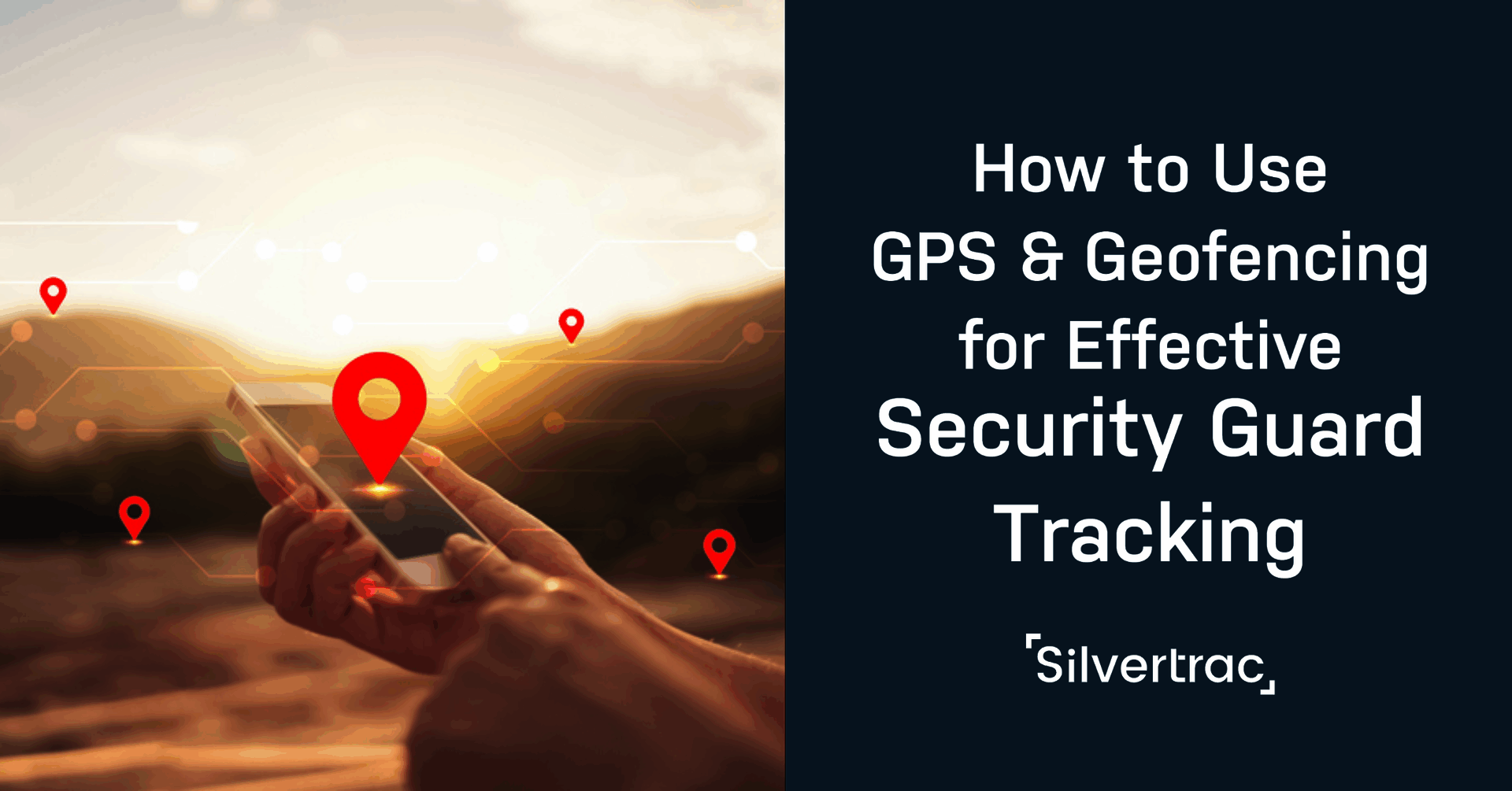
Guard management software is a great tool to maintain transparency and visibility on what is happening at each of your contract sites in real-time. Between reporting and alerts, supervisors can utilize guard management software to help with security guard tracking.
GPS- und Geofencing-Technologie sind die Schlüsselkomponenten einer präzisen Sicherheitsüberwachung. In diesem Artikel erfahren Sie, was GPS und Geofencing sind und warum sie für den Erfolg Ihrer Sicherheitsmaßnahmen wichtig sind.
Die wichtigsten Erkenntnisse
- GPS shows where an officer is.
Geofencing shows whether they are where they should be, and alerts you when they leave. - Location data proves the work.
Time-stamped GPS records protect you when a client questions whether a post was covered. - GSOCs depend on live location.
Central teams can monitor officers, shifts and critical events across every site from one view. - Location saves lives.
Panic alarms, fall detection and danger-zone timers send help to an officer’s exact position. - Setup is simple.
In TrackTik, you add your properties, draw geofences and start receiving reports and alerts.
What Are GPS and Geofencing?
Globale Positionierungssysteme (GPS) und Geofencing gehen Hand in Hand, wenn es um die effektive Ortung von Sicherheitspersonal geht. Doch was genau versteht man darunter?
GPS is a satellite-based radio navigation system that uses satellites orbiting the earth to provide meaningful information about different things that are being tracked. The data that is being tracked may include historical time-stamps or real-time coordinates of a person or object. Through modern GPS technology, this data can be displayed in a visually appealing and easy-to-navigate map.
Geofencing geht bei der Nutzung von GPS noch einen Schritt weiter. Es ermöglicht Nutzern, einen virtuellen Zaun oder eine Begrenzung in einem bestimmten Bereich zu erstellen, der bzw. die anhand von GPS-Koordinaten Personen, Objekte oder Aktivitäten innerhalb dieses Bereichs verfolgt. Während GPS allein oft für einmalige Standortabfragen oder die Standortverfolgung genutzt wird, erfolgt bei Geofencing eine kontinuierliche Verfolgung.
GPS und Geofencing haben sich in der physischen Sicherheitsbranche als äußerst hilfreich erwiesen, da sie es Sicherheitsunternehmen ermöglichen, Sicherheitskräfte besser zu orten und die Vorgänge auf den von ihnen geschützten Grundstücken besser zu überwachen.
Die Bedeutung von Software zur Ortung von Sicherheitspersonal
Rechenschaftspflicht der Wachkräfte
Security guard tracking software, like Silvertrac’s top-rated solution, allows supervisors and admin to see where security guards are at all times during their shift. Just as important as it is to know when a guard isn’t at the appropriate post, it’s also important to prove a security officer was at their post, should a client start to question your services.
Wie bereits erwähnt, geht Geofencing noch einen Schritt über GPS-Daten hinaus, indem es Vorgesetzte und Administratoren benachrichtigt, sobald ein Sicherheitsmitarbeiter den festgelegten Bereich verlässt (im Gegensatz zu einem GPS-Sicherheitsbericht, der lediglich den Standort des Sicherheitsmitarbeiters zu einem bestimmten Zeitpunkt angibt).
GPS und Geofences tragen dazu bei, die genaue Ortung und Nachverfolgbarkeit von Sicherheitskräften zu gewährleisten, sodass die Kunden zufrieden bleiben und kein Kontrollpunkt unüberprüft bleibt. Und um das Ganze noch besser zu machen: Alle diese Daten werden sicher in Echtzeit-Dashboards gespeichert, aus denen sich ganz einfach jeder Bericht exportieren lässt, den Sie oder Ihr Kunde benötigen.
GSOC
Globale Sicherheitsleitzentralen (GSOC) finden im Bereich der physischen Sicherheit zunehmend Verbreitung. Angesichts zentralisierter GSOCs und Fernüberwachung ist die Sicherheitsüberwachung von entscheidender Bedeutung für die Bereitstellung hochwertiger Sicherheitsdienstleistungen.
Through real-time dashboards and reporting, GSOCs that utilize GPS and geofencing technology, like the TrackTik Command Center, help to keep supervisors, administrators, and command center personnel up-to-date on not only a security guard’s location, but also shift management needs and critical events in real-time from one location.
In der heutigen Welt, die von Remote-Arbeit und Social Distancing geprägt ist, ermöglichen GSOCs die Sicherheitsüberwachung von jedem Ort der Welt aus.
Sicherheit und Schutz von Alleinarbeitern
Es können schlimme Vorfälle passieren, wie körperliche Angriffe oder gefährliche Leckagen, daher sind Sicherheit und der Schutz von allein arbeitenden Sicherheitskräften von großer Bedeutung. Dank der Transparenz, die GPS und Geofencing bieten, können Vorgesetzte im Ernstfall Verstärkung genau an den GPS-Standort des Vorfalls entsenden.
For security guards that are working a solo-shift, lone worker protection includes panic alarms and true fall detection so that assistance can be alerted immediately. Danger zone timers, for more threatening locations, can be put in place to go off if a security officer has either alerted they need assistance or that they are safe in the designated time.
Benutzerfreundlichkeit und Ressourcen
So how easy is it to use security tracking tools? With guard management solutions like Silvertrac and TrackTik, GPS & geofencing is already in your system. It’s just a simple matter of getting the properties you secure added to the system, which your dedicated customer success rep is more than happy to help with.
Sobald Ihre Standorte hinzugefügt wurden, können Vorgesetzte und Administratoren im System per Drag-and-Drop Geofences an den von Ihrem Team festgelegten Standorten erstellen. Sobald Ihre Standorte und Geofences eingerichtet sind, kann Ihr Sicherheitsteam Berichte erstellen und Echtzeit-Benachrichtigungen erhalten.
Und sollten Sie einmal zusätzliche Tools benötigen, kann Ihr Sicherheitsteam jederzeit in Informationsportalen wie dem Silvertrac-Hilfezentrum nach weiteren Informationen suchen.
GPS vs. Geofencing at a Glance
| Frage | GPS tracking | Geofencing |
|---|---|---|
| What it answers | Where is the officer right now, or where were they? | Is the officer inside the area they should be in? |
| So funktioniert es | Records location coordinates and time stamps | Compares location against a virtual boundary you draw |
| Typical alert | Usually none on its own | Officer entered or left a zone, or never arrived |
| Am besten geeignet für | Patrol history, route review and proof of presence | Post coverage, off-site alerts and arrival confirmation |
| Beispiel | Showing a client the exact path of last night’s patrol | Alerting a supervisor when an officer leaves the parking garage post |
Want to weigh the trade-offs? Read the pros and cons of GPS for security guard tracking and the difference between geofencing and breadcrumb tracking.
How to Set Up Geofences That Actually Work
- Draw realistic boundaries. Make each zone tight enough to matter but large enough to cover the whole post, including parking areas and entrances.
- Create one zone per post or patrol area. Separate zones make alerts specific and reports easier to read.
- Set grace periods. Allow a short window before an alert fires so normal movement does not create noise.
- Decide who gets alerted. Route alerts to the supervisor or command center that can act on them.
- Add checkpoints indoors. GPS is less precise inside large buildings, so pair geofences with NFC or QR checkpoints. Here is how NFC, QR and GPS checkpoint verification compare.
- Review alerts weekly. Tune boundaries and grace periods based on what you see.
Privacy and Policy Considerations
Location tracking works best when officers understand and trust it. Good practices include:
- Track location only while officers are on shift
- Explain what is tracked, why and who can see it
- Put your tracking policy in writing and include it in onboarding
- Limit access to location data to the people who need it
- Review local employment and privacy rules before rolling out tracking
GPS and Geofencing in TrackTik
For security firms and in-house teams, TrackTik builds location into the whole operation:
- Guard tours. The TrackTik security guard tour system combines GPS tracking and geofenced zones with NFC, barcode, QR and manual checkpoints.
- Mobile patrol. TrackTik mobile patrol tracks patrol progress live and turns each run into a customer-ready report.
- Dispatch. TrackTik security guard dispatch finds the nearest available officer when something happens.
- Incident reports. TrackTik incident reporting attaches GPS location to every report, along with photo, video and audio evidence.
- Officer safety. The guard tour app adds panic alarms, fall detection, phone-tilt detection and danger-zone timers.
Abschließende Gedanken
Die Ortung von Sicherheitskräften ist ein wichtiger Bestandteil beim Aufbau eines erfolgreichen Sicherheitsunternehmens. Dank GPS- und Geofencing-Funktionen wissen die Vorgesetzten genau, wo sich ihre Sicherheitskräfte befinden, und können jederzeit Berichte abrufen, um eine Schicht oder einen Sicherheitsrundgang zu überprüfen.
Learn more about Silvertrac and TrackTik GPS tracking by scheduling a demo today!
Häufig gestellte Fragen
Neueste Artikel





Empfohlene Ressourcen





Sehen Sie Trackforce in Aktion
Vereinbaren Sie einen Termin für eine Vorführung mit unserem Team und finden Sie heraus, wie sich das Produkt in Ihren Betriebsablauf einfügt.