The Pros and Cons of Having Your Guards Use Their Own Phones

Trackforce
June 29, 2015 · 9 min read
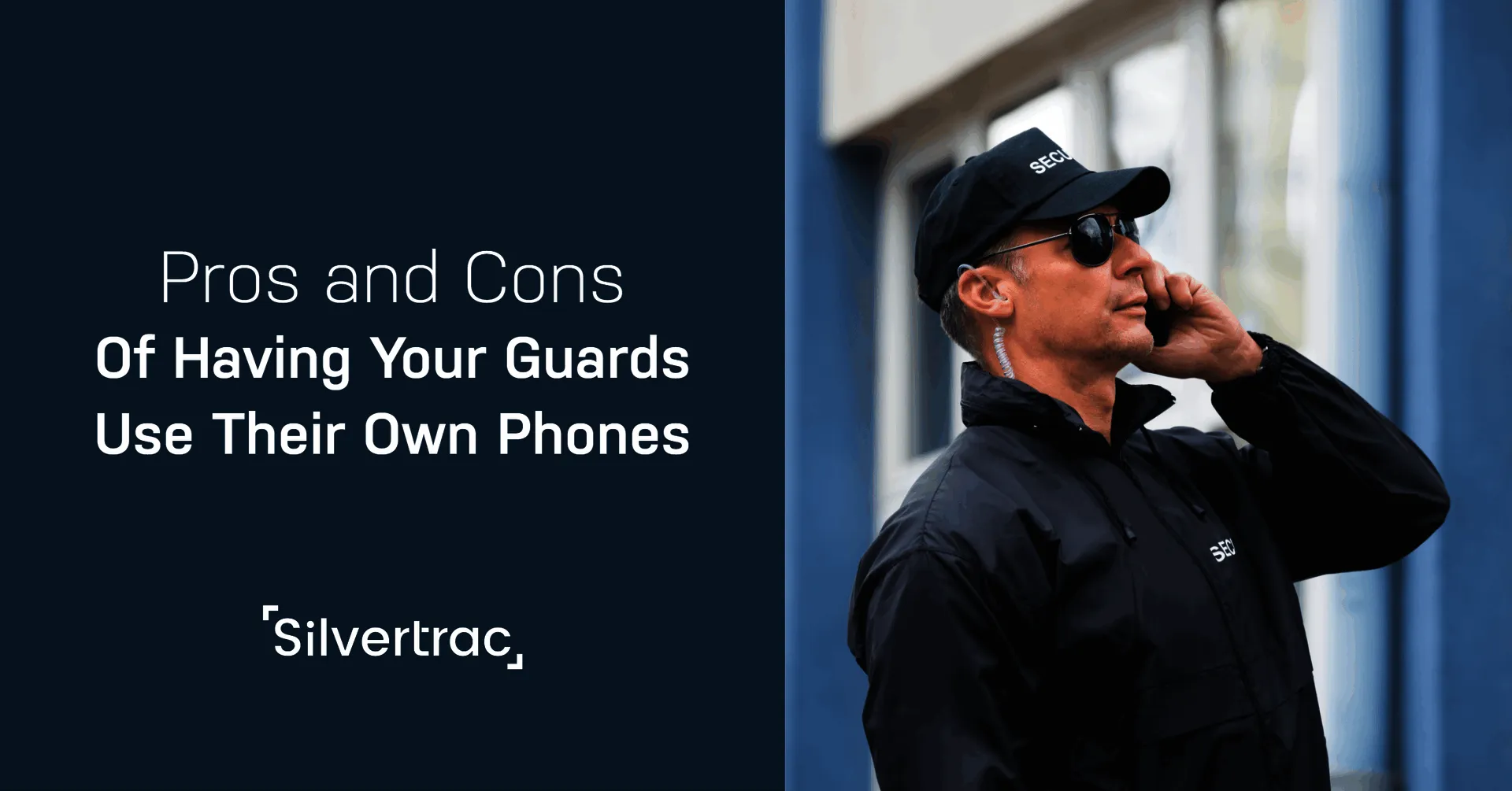
On today’s episode, we discuss the potential for companies in the security industry to save money by having guards use their own smart phones on patrol, and the possible drawbacks of this strategy.
Key takeaways
- BYOD saves money up front.
You avoid buying devices, service plans and accessories, and skip the work of choosing and managing them. - Officers often prefer their own phones.
Familiar devices can mean faster work and higher satisfaction. - Data security is the biggest concern, and it is manageable.
When patrol and incident data goes straight to a cloud platform, little sensitive information lives on the phone itself. - Reimbursement rules matter.
A stipend keeps officers fair, and some states require employers to cover part of personal phone costs. - A written policy makes BYOD work.
TrackTik runs on iOS and Android, so officers can use their own phones while you keep the data and the record.
How We Got Here
Just a few years ago, the idea of relying on employees to use their own smartphone or tablet would have been unthinkable. You simply couldn’t expect all employees to have internet capable devices, and there were major concerns about security and efficiency.
Now, roughly two thirds of adult Americans own smartphones. These devices boast wide ranges of functionality and security features such as fingerprint scanners and remote wiping. A recent survey of Chief Information Officers (CIOs) found that nearly 40% expect to stop providing phones or tablets to employees and pursue a Bring Your Own Device (BYOD) strategy by 2016.
Pros
The primary advantage of having employees use their own devices is fairly obvious. Your company saves money by not having to buy the devices, service plans, and ancillary equipment (chargers, cases, etc.) required to properly carry out patrols. Plus, you save the time and effort of having to figure out which devices and plans are best for you, and that can be harder than it seems.
“If you’re not familiar with the process, you can get taken advantage of as a company,” I tell Johnny.
Think of the headaches that just one phone plan can cause. Now imagine you need 10 devices, and then you win a couple big new contracts and now you need 20 more, and you have to totally redo the contract with the phone company. There’s a lot of room for them to slip in extra charges or hidden fees.
In addition, BYOD eliminates the costs of setting up these phones and training employees on how to use them. Each employee gets to use their preferred device, which the same Gartner survey linked to above finds leads to a marked increase in employee satisfaction.
“The employees are happier with the device they’re using, they can work faster because they’re on this device every day, and there’s just a lot of upside to this,” says Johnny.
An added bonus: you can provide your employees with customized cases bearing the company logo for their smartphones and tablets. It’s a nice little perk for them, it makes them look more official on the job, and it’s free advertising when they use their devices in their free time.
Cons
Data security constitutes the biggest concern for companies questioning whether a BYOD policy is the right way to go. As mentioned above, there have been security improvements on many newer smartphones. It’s now much harder if the phone gets lost or stolen for someone else to access any data that might be on there.
Additionally, security companies don’t have to worry about this as much, since most of their employees don’t take their work home with them. They use Silvertrac (or another security app) while on patrol, and all that data immediately gets sent to the cloud, so they’re not storing anything critical on the device itself.
Some employees report dissatisfaction over BYOD programs because they end up having to pay more for data on their personal phone plan. That’s a pretty easy fix, however, as companies can offer a stipend for employees who use their own phone, which is still much less expensive than paying for the device entirely.
The last complaint would be that employees slack off more or get distracted with their own phones, but that’s contradicted by the studies showing that employees are more productive using their own devices. Certainly customers we’ve spoken to that have pursued this strategy say it’s worked out great for them.
BYOD vs. Company-Issued Devices at a Glance
- Upfront cost: BYOD avoids buying devices and accessories. Company-issued phones require a purchase for every officer or post.
- Ongoing cost: BYOD usually means a monthly stipend. Company phones mean service plans, replacements and repairs.
- Control: Company-issued devices let you standardize models and settings. With BYOD, you set minimum requirements instead.
- Data security: Either model works when data lives in a cloud platform rather than on the phone.
- Officer experience: BYOD lets officers use a familiar device. Company phones keep work and personal life separate.
- Offboarding: With BYOD, you remove app access. With company devices, you also need to recover the hardware.
How to Build a BYOD Policy for Security Officers
A clear written policy is what turns BYOD from a cost-saving idea into a reliable program. Cover these points:
- Minimum device requirements. A supported iOS or Android version, dependable battery life, working GPS, and NFC if your checkpoints use NFC tags.
- Reimbursement. Set a fair stipend. Some states, including California, require employers to reimburse a reasonable share of personal phone costs used for work, so read up on company cell phone rules in California.
- Data rules. Work data stays in the security app and the cloud, not in personal photo galleries or messaging apps.
- Location tracking. Explain when location is recorded, such as only while on shift, and get written acknowledgment.
- Lost or stolen phones. Define who to call and how quickly access is removed.
- Acceptable use on post. Set expectations for personal calls, social media and distractions during a shift.
- Offboarding. Revoke app access the same day an officer leaves.
- A backup plan. Keep a spare device available for dead batteries or broken screens.
For more detail, see these BYOD best practices for physical security and what you should know about guards using their own phones.
When Company-Issued Devices Make More Sense
BYOD is not the right fit for every post. Company-issued phones are often the better choice when:
- A single post phone is shared by every officer across shifts.
- A client or regulated site requires managed, company-owned devices.
- Officers work in harsh conditions that call for durable smartphones.
- You want every officer on the same model for easier training and support.
If you go this route, compare the best cell phones for security guard companies, and use TrackTik asset tracking to document who checked out each device, when and where, with alerts when a phone is not returned on time.
TrackTik works on the phones your officers carry
Whether officers bring their own devices or use company phones, the TrackTik guard app runs on iOS and Android. Officers record checkpoints by QR code, NFC tag or geolocation, and patrol and incident data flows into your live dashboard. Safety features include a panic button, impact detection that triggers an alert if a device is dropped, and push-to-talk that turns any device into a two-way radio.
Frequently Asked Questions
Latest Articles





Featured Resources





See Trackforce in action
Book a walkthrough with our team and see how it fits your operation.