Security incident reporting software that’s clear, accurate, and defensible.

Your data deserves accuracy and protection. A simple document editor won’t cut it anymore. TrackTik gives your guards guided, in-tour reporting enriched with time-stamped video, photo, audio, and GPS evidence so every report holds up against anything, even litigation.
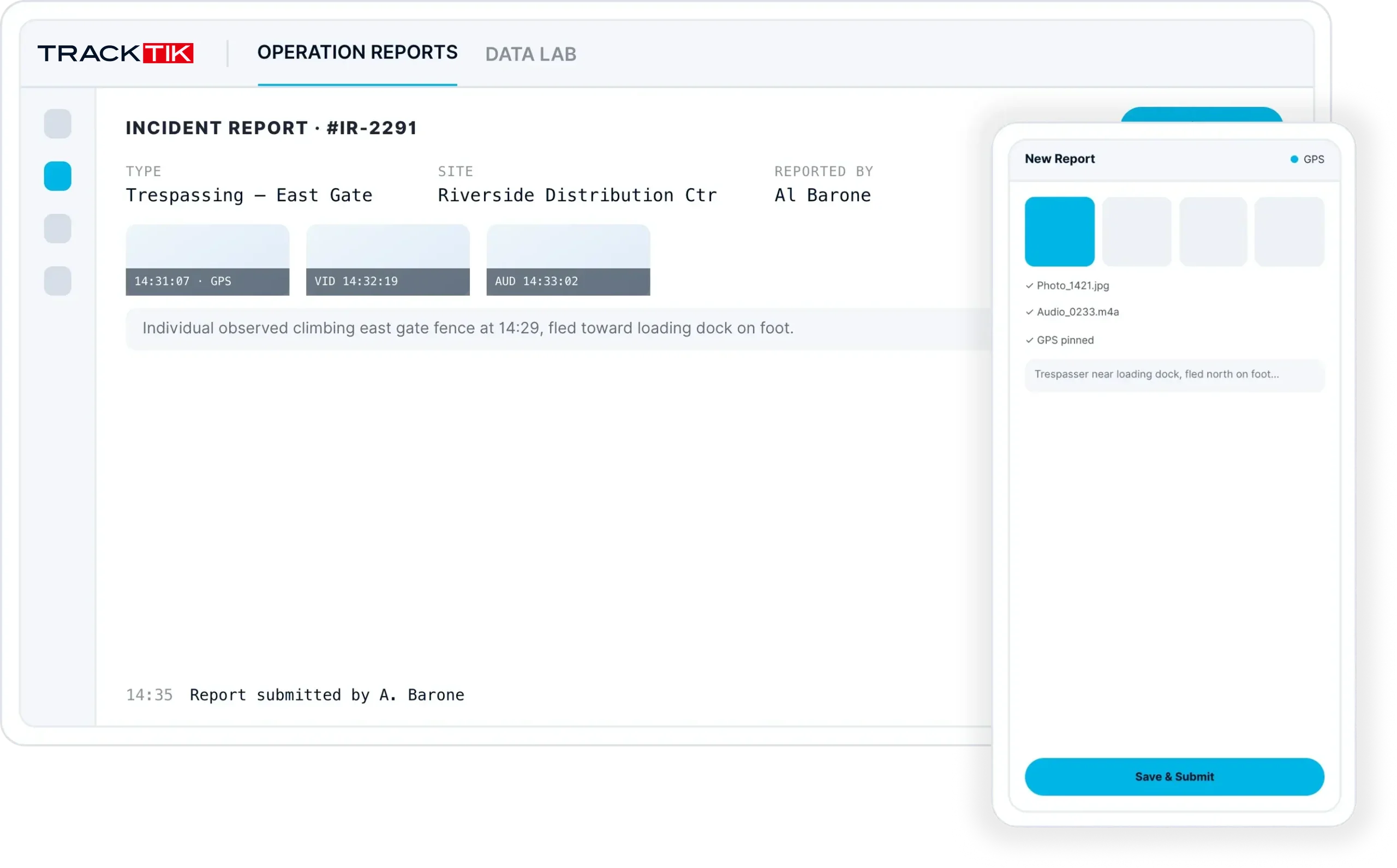
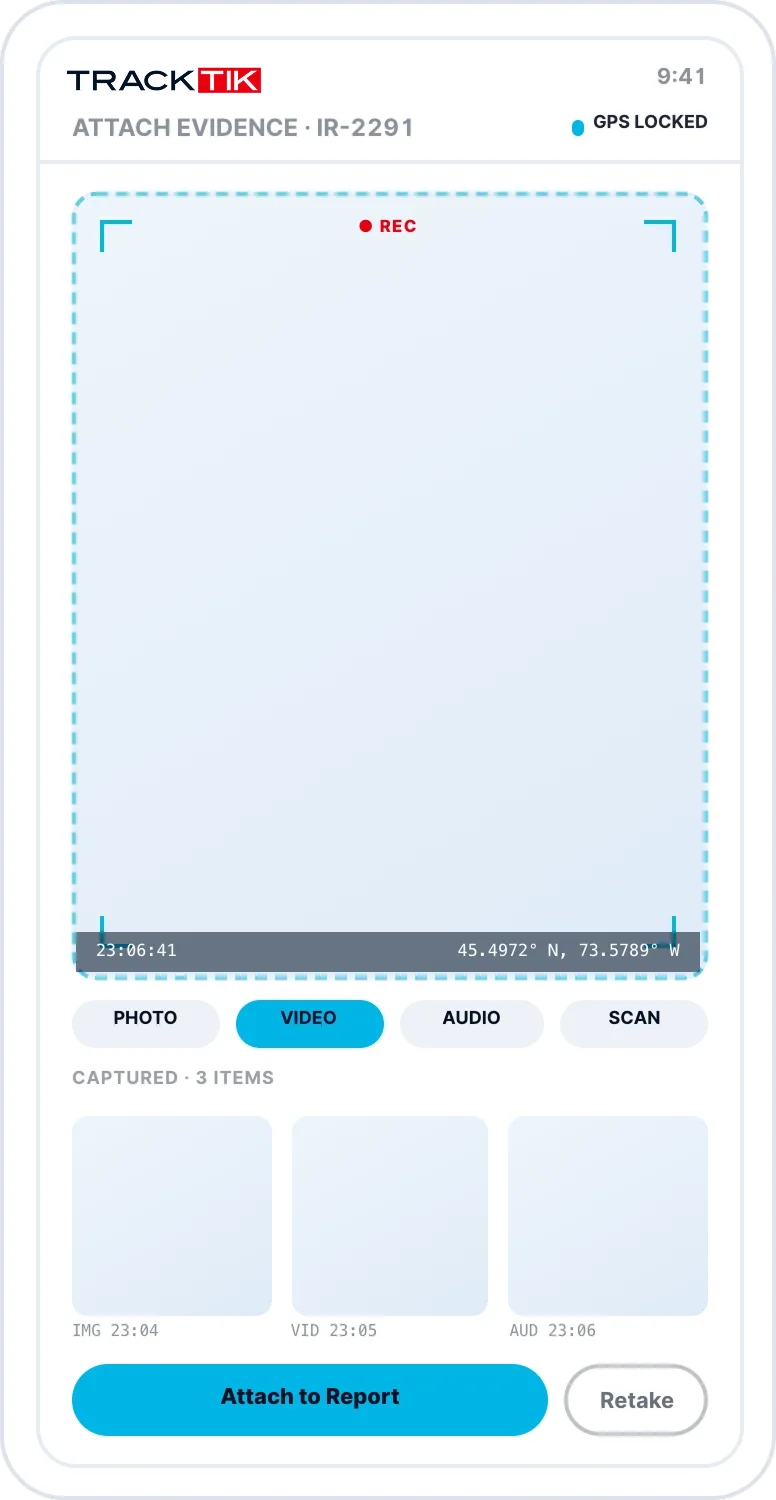
Guided, step-by-step reporting so no detail is missedSecure in-tour reporting – guards never leave their postTime-stamped video, photo, audio, and GPS evidence on every report
TrackTik guided incident report with time-stamped photo, video and GPS evidence
In-
tour
Guards report on the field without interrupting their patrol
Clear
Verified, time-stamped documentation that holds up
One-
click
Reports compiled, backed up, and shared instantly
What is security incident reporting?

A clear record of events, outcomes, and corrective actions.

If the purpose of incident reporting is to keep a defensible record, then your reports need backups strong enough to hold up against anything. TrackTik tracks incidents and activities with verified documentation – enriching every report with time-stamped video, photo, audio, GPS location, and text evidence.

Instant field reporting

Report right on the field, mid-shift.

When a guard needs to file a report, grabbing a clipboard and a working pen is unacceptable. Every report a tour requires – inspections, screenings, incidents – is available on their device, right where they are.
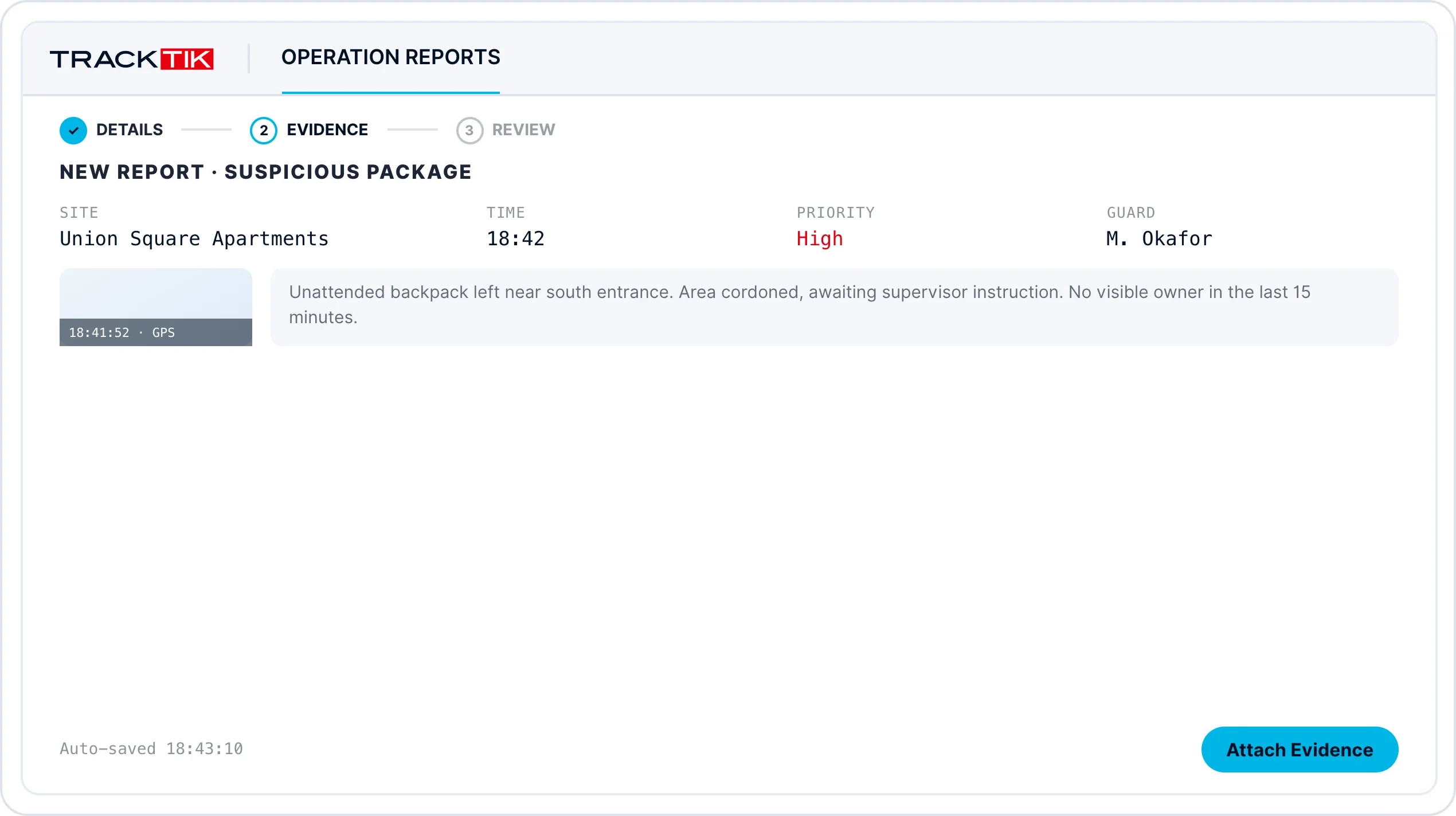
A step-by-step guided reporting process transforms how reports get filedSecure in-tour reporting so guards never leave their tourConfigurable reporting that meets the specifications of any contract
Step-by-step guided reporting in the TrackTik mobile app during a guard's tour
Scheduled & mandatory reports

Schedule mandatory reports, keep stakeholders in the loop.

When a contract or regulation requires consistent reporting, scheduling it is critical.
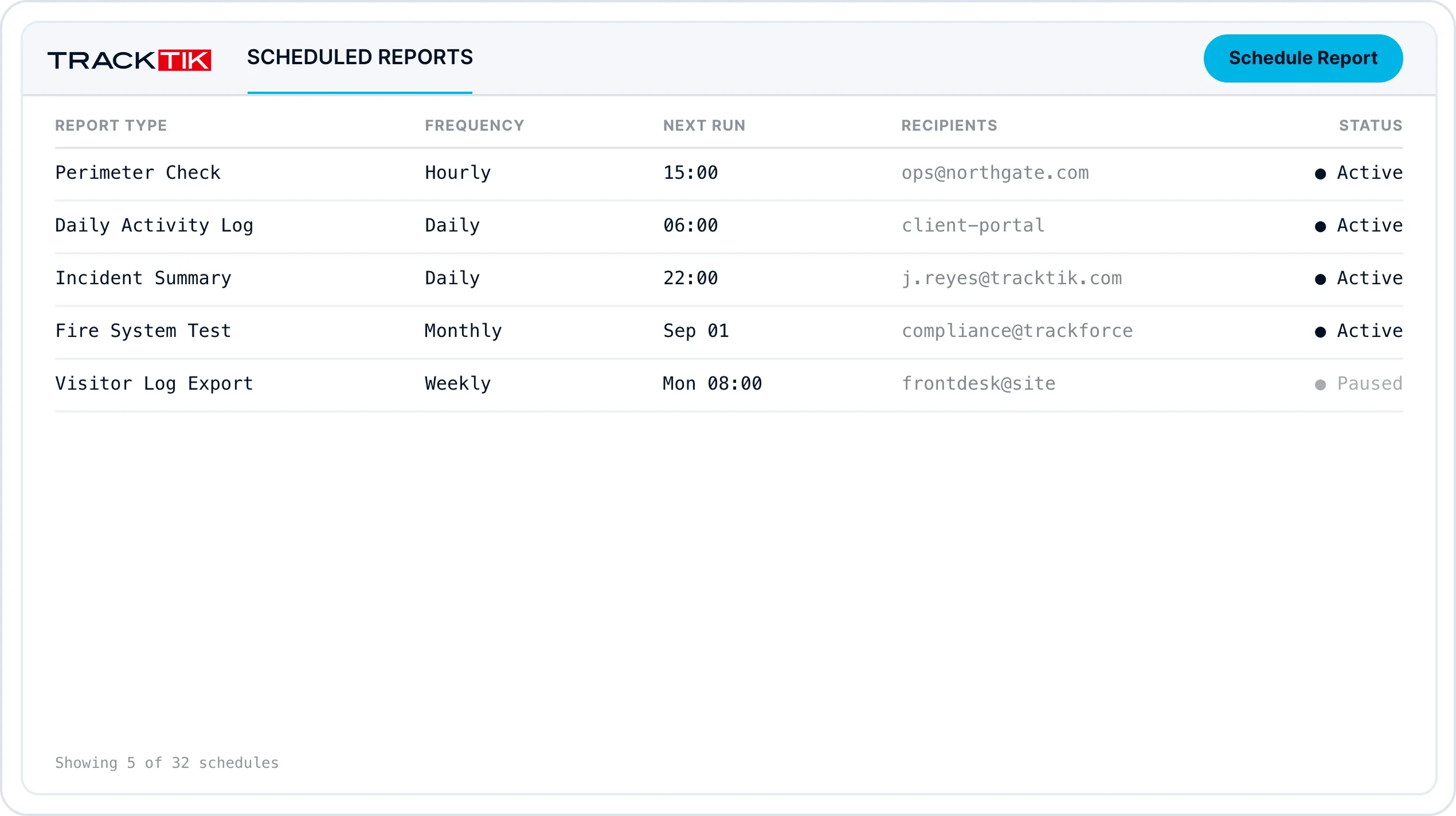
Configure regularly scheduled reports on the flyAutomatic email or text notifications to your team and stakeholdersEscalate issues to third parties and clients whenever required
TrackTik scheduled report settings with automatic email and text notifications
Reporting insights

Critical reporting insights at your fingertips.

Know that every report is safely backed up and available to your team at a moment’s notice. Digital reports are accessed in real time, reducing errors, and compiled and shared in a single click.
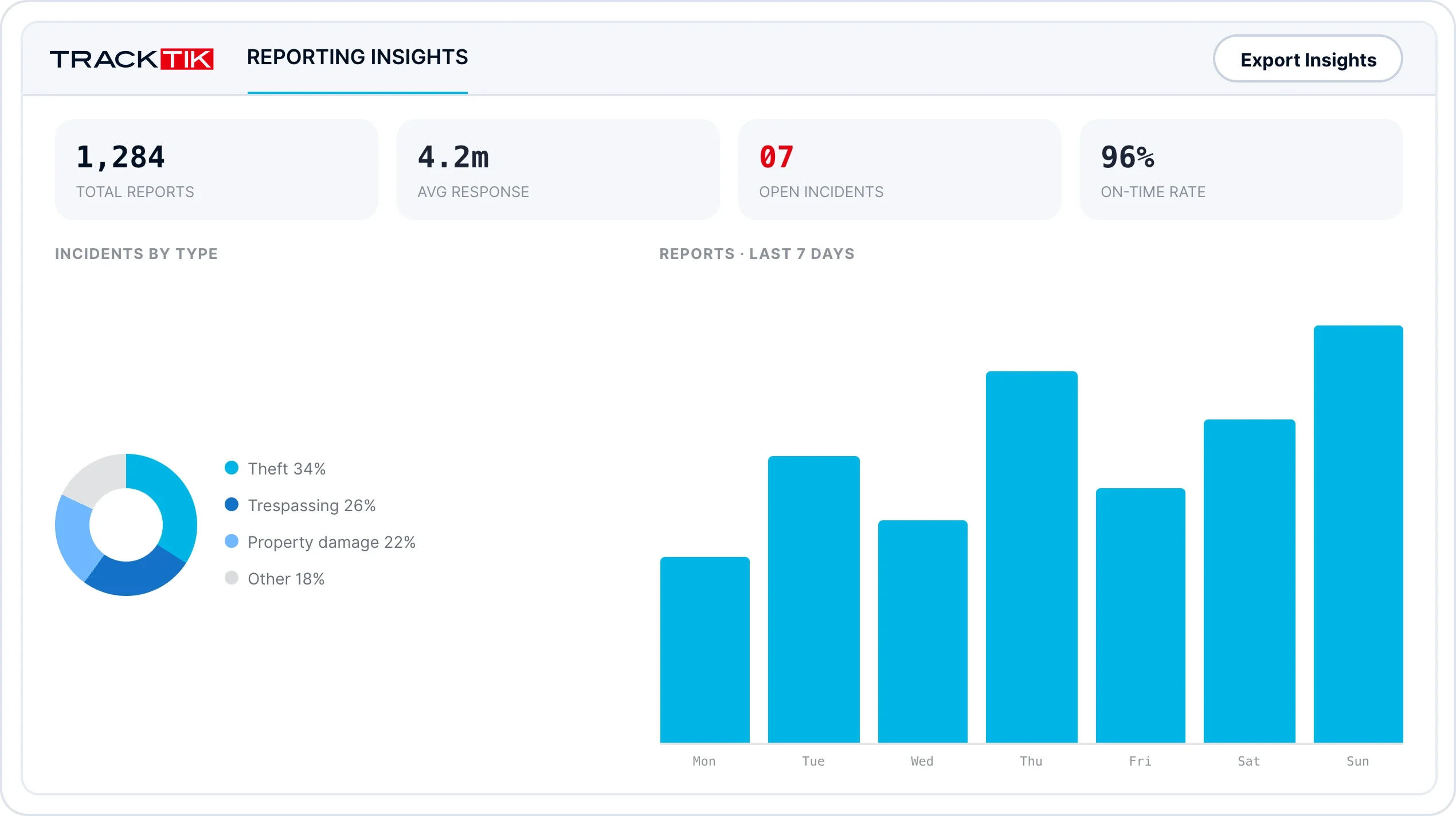
Safely back up all reports for easy digital accessFast, easy reporting configurable to your operational and client needsTrack historical data for powerful benchmarking and operational standards
TrackTik dashboard of archived digital reports with historical benchmarking data
Flexible devices

Device options that make sense for your business.

Whether you run a BYOD policy or issue devices to your team, choosing between Android and Apple shouldn’t create a technical dilemma. TrackTik works across both, so you keep your existing hardware.
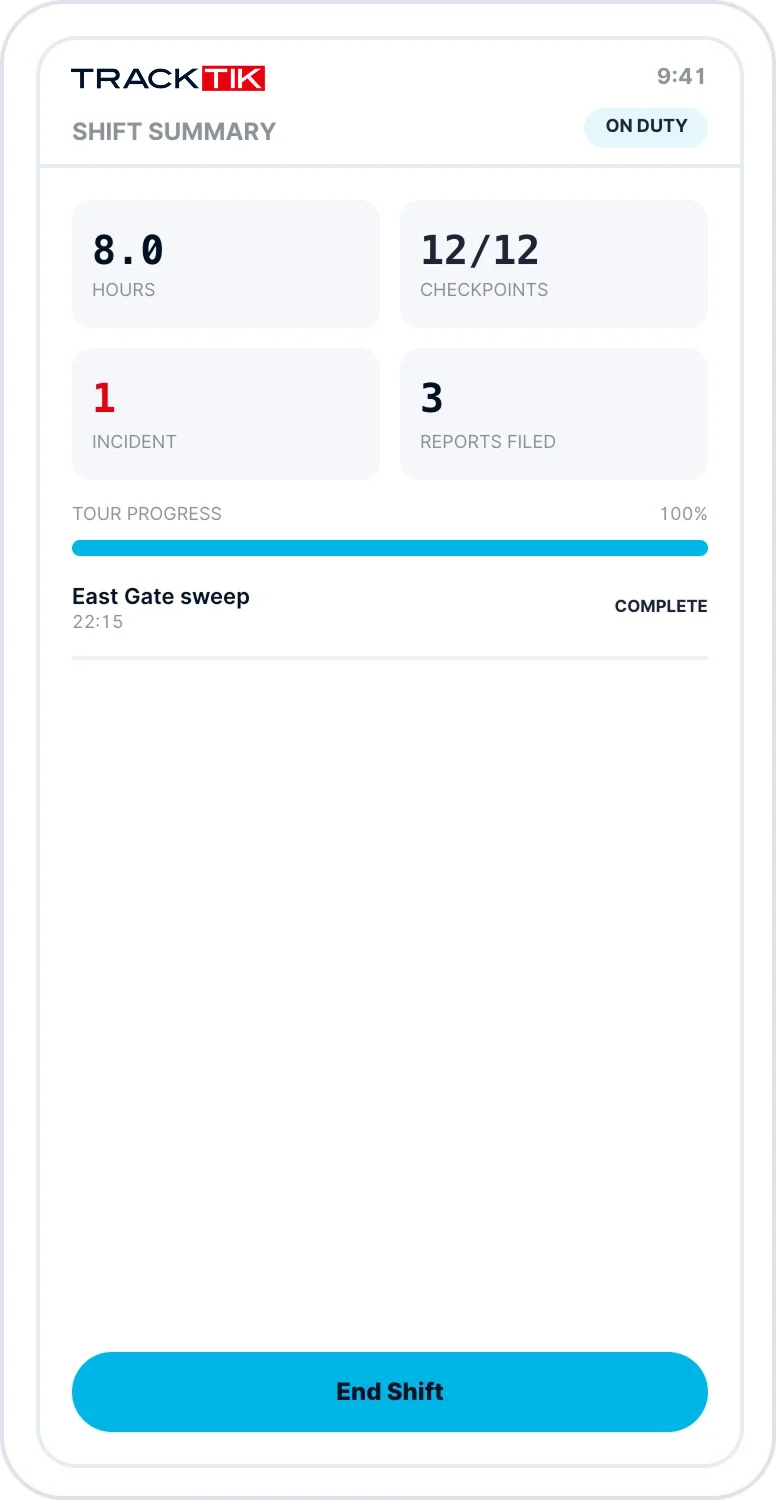
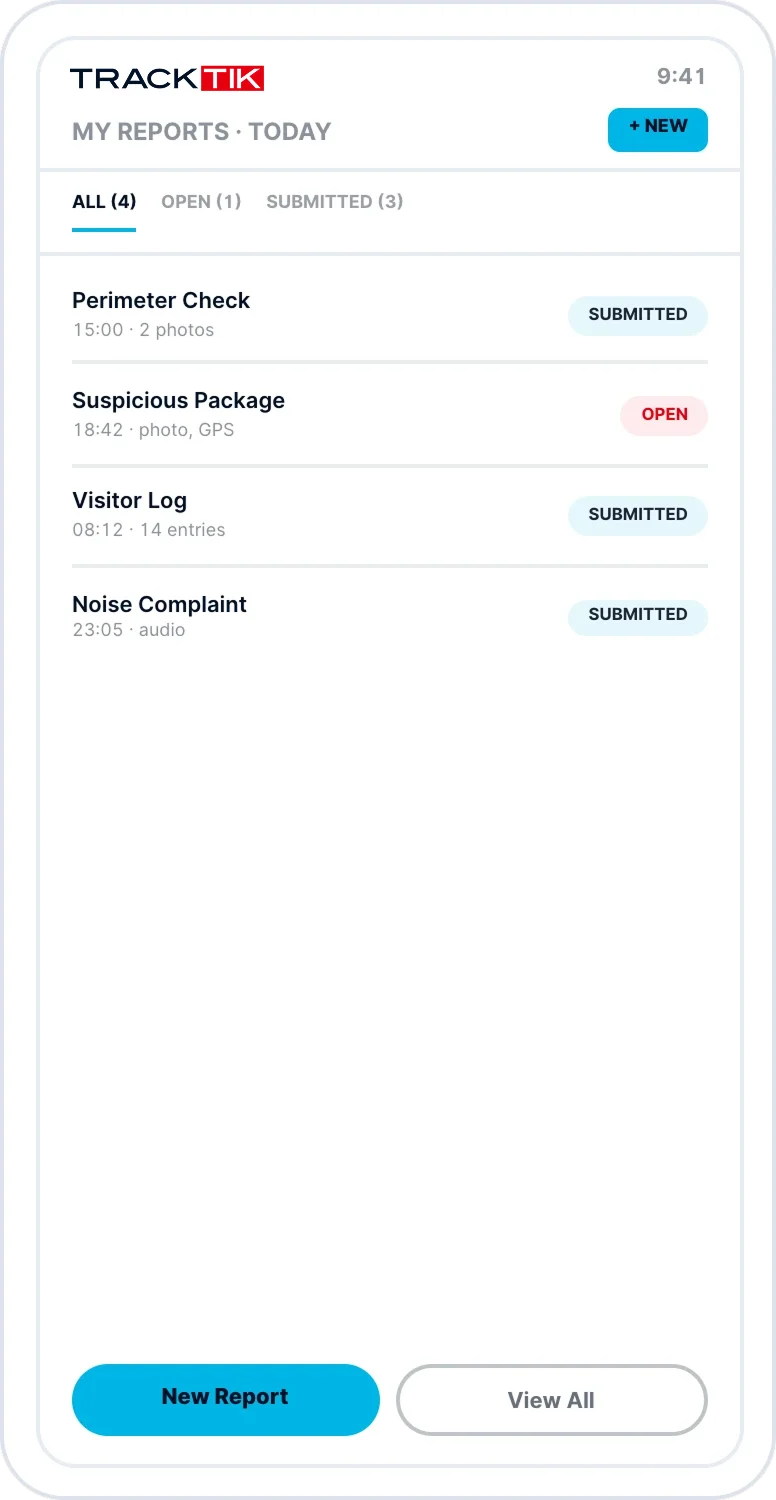
Maintain consistent devices across your entire teamFully compatible with both Android and iOS devicesAvoid the cost of purchasing new hardware
TrackTik guided incident reporting running on a mobile device
TrackTik incident reporting app on an Android and iOS compatible handset
TrackTik incident report form shown on a mobile device screen
Verified documentation

Ensure high quality data and reporting standards

Capture more than text. Attach time-stamped media and location data to every incident so the record is complete, credible, and litigation-ready.

Photo

Video

Audio

GPS location

Text evidence

Built for the field

Reporting that fits your operation, not the other way around.

Configurable to any contract

Build the exact reports your contract or industry requires, from inspections to screenings.

Automatic secure backups

Every report is safely stored and available to your team in real time, with no manual filing.

Litigation-ready records

Verified, time-stamped documentation produces credible reports that uphold against litigation.

Web & mobile capabilities

Stay connected and report while moving throughout any facility, on the field or back office.

Choosing incident reporting software

What to look for in security incident reporting software.

Most incident reporting software is built for workplace safety and compliance teams. Security operations need more: reports filed mid-patrol, evidence that holds up to scrutiny, and clients who expect updates without having to ask. When you compare security reporting software, look for guided mobile forms guards can complete without leaving their post, time-stamped photo, video, audio and GPS evidence on every report, scheduled and mandatory reports that run automatically, instant sharing and escalation to supervisors and clients, and secure backups that keep every record available.

TrackTik covers all five, and ReportPro AI adds real-time writing assistance that turns rough field notes into clear, compliance-ready reports. Because reporting is part of the wider TrackTik platform, every report connects to guard management, mobile patrol and dispatch data with no re-entry.

Frequently asked questions

Incident reporting software, explained.

Incident reporting software replaces paper forms and spreadsheets with a digital system for recording, storing and sharing incidents. In security operations, guards file reports from a mobile device during their shift, supervisors review them in real time, and clients receive the records they need. TrackTik incident reporting adds guided forms and time-stamped evidence so every report is complete and defensible.

Most incident reporting tools are designed for workplace safety teams logging injuries and near misses. Security incident reporting software is built around the field: reports filed mid-patrol, GPS and time stamps that show where and when an officer was on site, contract-specific forms, and client-ready sharing. TrackTik connects reporting to guard tours, dispatch and patrols, so each report becomes part of a complete operational record.

Yes. Guards complete guided, step-by-step reports in the TrackTik mobile app on Android or iOS without leaving their post or interrupting their tour. You can issue company devices or run a BYOD policy, and reports are also available in the web portal for supervisors and back-office teams.

Every report can include time-stamped photo, video, audio, GPS location and text evidence, and every report is backed up automatically. The result is a verified, consistent record of what happened, when and where, giving clients, insurers and legal teams a credible account to rely on.

Yes. ReportPro AI is built into TrackTik incident reporting in both the web portal and the mobile app. It turns informal field notes into clear, compliance-ready reports, generates executive summaries for supervisors, and logs every AI-assisted change with the original and enhanced text side by side.

Better together

Incident reporting, embedded across your operation.

Ready to document incidents with confidence?

See how TrackTik security incident reporting keeps your operation visible, accountable, and defensible.