Mehr als nur Ausweise: Wie moderne Zutrittskontrollsysteme die Sicherheit revolutionieren

Trackforce
June 25, 2025 · 9 min read

Securing a property starts with access control. It is the first line of defense, ensuring only authorized individuals can enter while keeping threats out. Yet, while technology has revolutionized access control systems, many organizations still rely on outdated methods. Did you know 60% of companies still use ID badges as their primary method of access control?
Die Herausforderung liegt auf der Hand: In einer Zeit, in der Sicherheitsbedrohungen immer raffinierter werden, reichen herkömmliche Methoden allein nicht mehr aus. Die derzeit effektivsten Lösungen für die Zugangskontrolle verbinden menschliches Fachwissen mit innovativer Technologie, um robuste und anpassungsfähige Sicherheitssysteme zu schaffen.
Die wichtigsten Erkenntnisse
- ID badges alone are no longer enough.
Badges are easy to share, lose or follow through a door, and most organizations still rely on them as their primary control. - Layer physical, electronic and logical controls.
Each covers gaps in the others, and together they protect people, places and data. - Technology flags; officers decide.
Access systems detect forced doors and tailgating, but trained security officers verify, respond and de-escalate. - Connect the alarm to the response.
TrackTik links access control events to dispatch, officer response and incident reporting, so every alert ends in a documented outcome.
Types of Access Control Systems
Access control systems fall into three primary categories, each offering benefits depending on the level of security required.
1. Physical Access Control
- Includes locks, keys, turnstiles and gates.
- Wird am häufigsten zur Sicherung von Ein- und Ausgängen verwendet.
2. Electronic Access Control
- Uses technology like key cards, fobs and biometric scanners such as fingerprint or facial recognition.
- Ermöglicht eine effiziente und zuverlässige Zutrittsverwaltung für große Liegenschaften.
3. Logical Access Control
- Protects digital assets using passwords, PINs and multi-factor authentication (MFA).
- Bietet eine zusätzliche Sicherheitsebene für sensible Daten und Systeme.
By combining physical, electronic and logical solutions, organizations can create a multi-layered approach that enhances overall security.
Comparing Common Access Credentials
Not every credential suits every door. This comparison shows where each one fits and where it needs an officer to back it up.
| Zugangsdaten | Strength | Weakness | Where officers matter most |
|---|---|---|---|
| Printed ID badge | Cheap and familiar | Easily shared, copied or worn by the wrong person | Visual verification at staffed entrances |
| Key card or fob | Logs every entry, easy to revoke | Lost cards and tailgating behind valid holders | Responding to forced-door and held-open alarms |
| Mobile credential | Hard to lose, can be issued remotely | Depends on phone security and battery | Assisting visitors and contractors without the app |
| Biometrics | Tied to the person, not a token | Higher cost and privacy considerations | Handling exceptions, failed reads and escorts |
The Role of Security Guards in Access Control
Even with advanced technology, trained security officers remain a critical piece of access control. Their abilities extend beyond checking IDs; they are the human interface that ensures security measures are enforced effectively.
Key Responsibilities of Security Guards
- Monitoring entry and exit points. Guards provide situational awareness, spotting suspicious behaviors that technology may overlook. Their ability to react quickly makes them indispensable during unexpected security events.
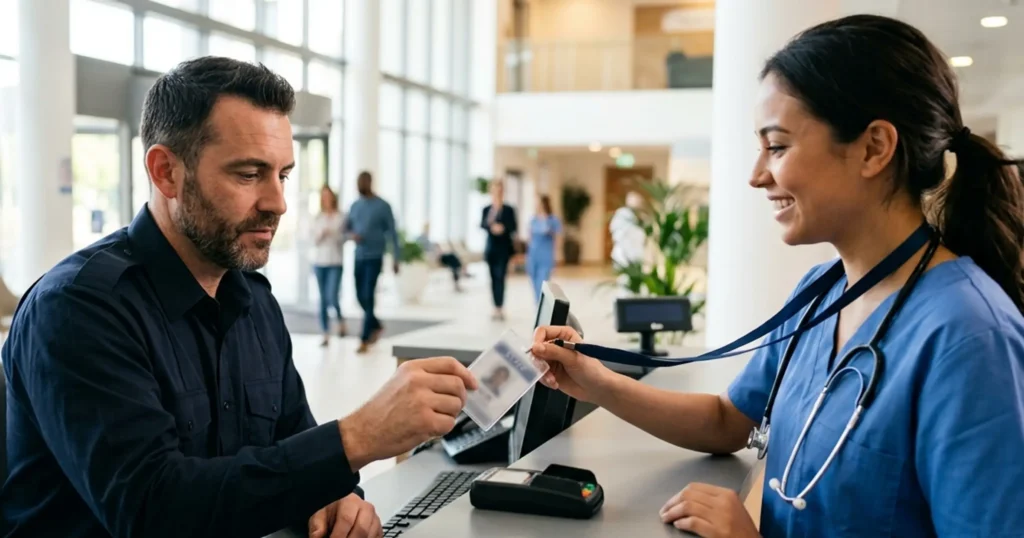
- Credential verification. Whether manually or through integrated technology, guards ensure that all credentials are valid while maintaining efficiency at access points.
- Responding to violations. When unauthorized entry occurs, such as tailgating, security guards are trained to de-escalate situations and follow established protocols confidently.
- Visitor management. Modern visitor management goes beyond sign-in sheets. Security guards use advanced systems to log visitors, issue temporary passes and ensure everyone in the facility is accounted for, which shapes both risk and the visitor experience.
Common Access Control Gaps and How to Close Them
Most access control failures are not technology failures. They happen at the seams between the system and the people using it.
- Tailgating and piggybacking: one valid badge, two people. Pair anti-tailgating alerts with an officer at peak-traffic entrances.
- Propped or held-open doors: convenient for staff, invisible to the system until an alarm fires. Make door-held alarms a dispatched task with a required check-in, not a light on a panel.
- Lost and shared credentials: revoke instantly and record the event so patterns by department or site become visible.
- After-hours contractors and deliveries: keep a documented verification procedure on the officer’s device so exceptions are handled the same way every time.
- Unchecked perimeter doors: add them as checkpoints on the security guard tour system so they are physically verified every patrol.
How Security Workforce Management Software Enhances Access Control
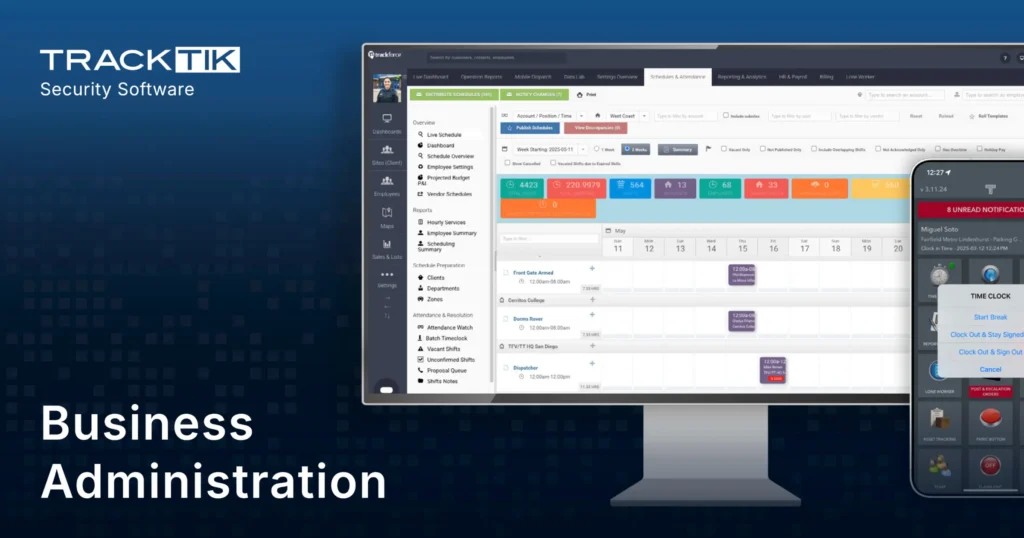
Managing access control operations becomes easier with the right tools. Security workforce management software provides actionable insights, automates processes and improves guard efficiency.
- Optimized guard deployment. Schedule the right number of guards during peak hours or high-risk periods, and make quick adjustments in real time to meet evolving security needs.
- Mobile patrols with accountability. Enable digital check-ins and use geofencing to track patrols, with an audit trail for complete visibility and accountability.
- Incident reporting in real time. Guards can document access violations directly from their mobile devices with incident reporting, and the collected data reveals patterns that help refine future security measures.
- Compliance tracking. Automate reminders for certifications and training, ensuring every officer at an access point is qualified.
Emerging Access Control Technologies
Innovation is driving advancements that are reshaping access control. These five technologies offer enhanced convenience and stronger safeguards.
- Biometric authentication: eliminates reliance on cards or codes through fingerprint or facial recognition systems.
- Mobile credentials: turn smartphones into secure access tokens for both on-site and remote use.
- Cloud-based systems: centralized control enables remote monitoring and real-time updates.
- AI-powered video analytics: detect unusual patterns, such as loitering or tailgating, while supporting guard decision-making.
- IoT and smart building integration: link access control with elevators, lighting and HVAC systems to improve security and energy efficiency.
Integrating Access Control With Broader Security Systems
Access control works best when integrated with other security measures, creating a seamless and comprehensive system. For IT and security leaders, integrating physical security into the enterprise stack is now part of the same architecture conversation as identity and network access.
Key Integrations
- Visitor and access logs: sync visitor data with access control records to track movements and ensure transparency.
- Emergency response coordination: access control systems can restrict movement or assist evacuation during emergencies, streamlining collaboration with first responders.
- Surveillance enhancements: combining AI with human surveillance delivers stronger coverage. While AI identifies anomalies, guards provide critical judgment and action in real time.
How TrackTik Connects Access Control to the Response
An access control alarm is only as good as what happens next. TrackTik, the Trackforce platform for security operations, integrates with access control and alarm systems so every event follows the same documented path.
- Detect: a forced door, held-open alarm or denied credential arrives in the TrackTik Command Center alongside video and site context.
- Dispatch: the nearest available officer is assigned automatically, with post orders and the door location on their phone.
- Respond: the officer verifies the situation, resolves it and checks in at the door so the response time is recorded.
- Document: a complete incident report is filed during the shift, drafted with ReportPro AI from the officer’s notes and photos.
- Improve: recurring doors, times and causes surface in business intelligence dashboards, which tell you where to add staffing, hardware or training.
Airbus used this approach to integrate its global security operations across one platform, linking alarms, officers and reporting worldwide.
Access Control Readiness Checklist
- Every exterior and sensitive interior door has a defined credential type and an owner.
- Door-held and forced-door alarms create a dispatched task, not just a notification.
- Lost or shared credentials are revoked the same day and the event is logged.
- Perimeter doors without readers are physical checkpoints on a patrol route.
- Visitor and contractor procedures are documented and available on officers’ devices.
- Access events, officer responses and incidents can be reported together for a site or a month.
Balancing Technology and Human Expertise
The strongest security strategies combine human expertise with modern technology. Security officers enhance access control systems with adaptability, situational awareness and quick judgment, while technology delivers precision, scalability and operational efficiency. Together, they create a security infrastructure that is both reliable and resilient.
Ready to take your organization’s access control to the next level? TrackTik’s security workforce management software is designed to optimize operations and integrate with advanced access control systems. Get a demo to see how it would connect your doors, officers and reporting.
Häufig gestellte Fragen
Neueste Artikel



Empfohlene Ressourcen


Sehen Sie Trackforce in Aktion
Vereinbaren Sie einen Termin für eine Vorführung mit unserem Team und finden Sie heraus, wie sich das Produkt in Ihren Betriebsablauf einfügt.