How to Use GPS and Geofencing for Effective Security Guard Tracking

Trackforce
March 18, 2021 · 9 min read
Guard management software is a great tool to maintain transparency and visibility on what is happening at each of your contract sites in real-time. Between reporting and alerts, supervisors can utilize guard management software to help with security guard tracking.
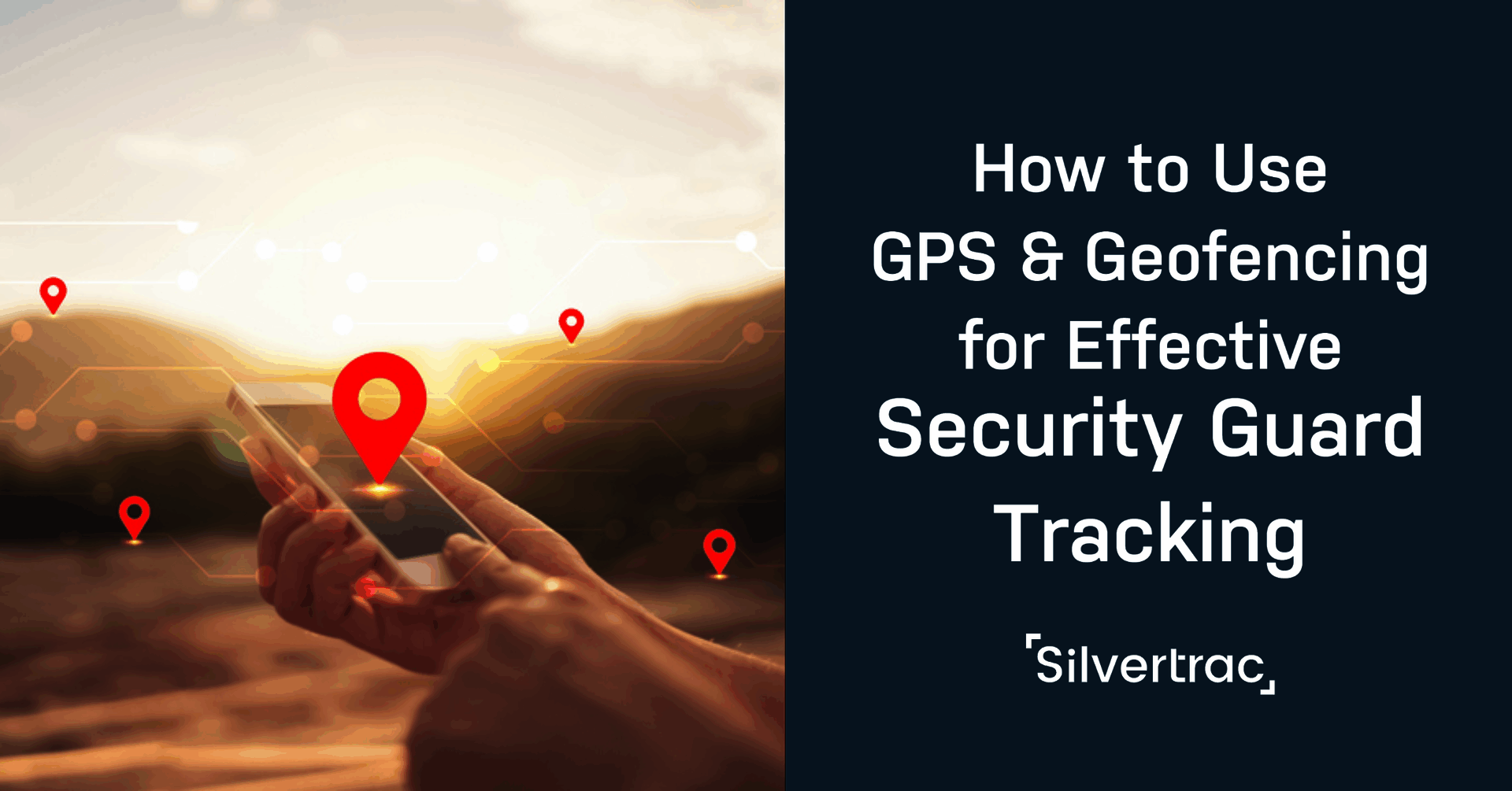
GPS and geofencing technology are the key components of accurate security tracking. This article will cover what GPS & geofencing is and why it’s important to the success of your security operation.
Key takeaways
- GPS shows where an officer is.
Geofencing shows whether they are where they should be, and alerts you when they leave. - Location data proves the work.
Time-stamped GPS records protect you when a client questions whether a post was covered. - GSOCs depend on live location.
Central teams can monitor officers, shifts and critical events across every site from one view. - Location saves lives.
Panic alarms, fall detection and danger-zone timers send help to an officer’s exact position. - Setup is simple.
In TrackTik, you add your properties, draw geofences and start receiving reports and alerts.
What Are GPS and Geofencing?
Global positioning systems (GPS) and geofencing go hand-in-hand when it comes to effective security guard tracking. But what exactly are they?
GPS is a satellite-based radio navigation system that uses satellites orbiting the earth to provide meaningful information about different things that are being tracked. The data that is being tracked may include historical time-stamps or real-time coordinates of a person or object. Through modern GPS technology, this data can be displayed in a visually appealing and easy-to-navigate map.
Geofencing takes the use of GPS one step further. It allows users to create a virtual-fence or outline in a designated area that uses GPS coordinates to track people, objects, or activity within that area. Where GPS alone is often used for one-off pings or location tracking, geofencing is using constant tracking.
Together, GPS and geofencing have been majorly helpful in the physical security industry, allowing security companies to better track security officers and manage what is happening at the properties they are protecting.
Importance of Security Guard Tracking Software
Guard Accountability
Security guard tracking software, like Silvertrac’s top-rated solution, allows supervisors and admin to see where security guards are at all times during their shift. Just as important as it is to know when a guard isn’t at the appropriate post, it’s also important to prove a security officer was at their post, should a client start to question your services.
As mentioned earlier, geofencing takes GPS data one-step further, by alerting supervisors and admins when a security officer has left the designated area (as opposed to a running a GPS security report that solely states the guard’s location at whatever time they were there).
GPS & geofences help to promote accurate security guard tracking and accountability so that clients stay happy and no check-point is left unchecked. And to make it even better, all of this data is kept safe in real-time dashboards that can easily export any report that you or your client may need.
GSOC
Global Security Operations Centers (GSOC) are becoming more and more common in physical security operations. With centralized GSOCs and remote guarding, security tracking is critical to providing high quality security services.
Through real-time dashboards and reporting, GSOCs that utilize GPS and geofencing technology, like the TrackTik Command Center, help to keep supervisors, administrators, and command center personnel up-to-date on not only a security guard’s location, but also shift management needs and critical events in real-time from one location.
In the modern world of remote work and social distancing, GSOCs enable security tracking from anywhere in the world.
Safety & Lone Worker Protection
Bad things happen, like physical attacks or hazardous leaks, so safety and lone worker protection for physical security guards is important. Through the transparency that GPS & geofencing provides, supervisors can call in reinforcements to the exact GPS location of an incident when something transpires.
For security guards that are working a solo-shift, lone worker protection includes panic alarms and true fall detection so that assistance can be alerted immediately. Danger zone timers, for more threatening locations, can be put in place to go off if a security officer has either alerted they need assistance or that they are safe in the designated time.
Ease of Use & Resources
So how easy is it to use security tracking tools? With guard management solutions like Silvertrac and TrackTik, GPS & geofencing is already in your system. It’s just a simple matter of getting the properties you secure added to the system, which your dedicated customer success rep is more than happy to help with.
Once your properties have been added, supervisors and admin can go into the system to create a drag and drop geofence in the locations your team has designated. When your properties and geofences are set-up, your security team can start to pull reports and get those real-time alerts.
And if you ever need some extra tools, your security team can always check out resource hubs, like the Silvertrac Help Center, for more information.
GPS vs. Geofencing at a Glance
| Question | GPS tracking | Geofencing |
|---|---|---|
| What it answers | Where is the officer right now, or where were they? | Is the officer inside the area they should be in? |
| How it works | Records location coordinates and time stamps | Compares location against a virtual boundary you draw |
| Typical alert | Usually none on its own | Officer entered or left a zone, or never arrived |
| Best for | Patrol history, route review and proof of presence | Post coverage, off-site alerts and arrival confirmation |
| Example | Showing a client the exact path of last night’s patrol | Alerting a supervisor when an officer leaves the parking garage post |
Want to weigh the trade-offs? Read the pros and cons of GPS for security guard tracking and the difference between geofencing and breadcrumb tracking.
How to Set Up Geofences That Actually Work
- Draw realistic boundaries. Make each zone tight enough to matter but large enough to cover the whole post, including parking areas and entrances.
- Create one zone per post or patrol area. Separate zones make alerts specific and reports easier to read.
- Set grace periods. Allow a short window before an alert fires so normal movement does not create noise.
- Decide who gets alerted. Route alerts to the supervisor or command center that can act on them.
- Add checkpoints indoors. GPS is less precise inside large buildings, so pair geofences with NFC or QR checkpoints. Here is how NFC, QR and GPS checkpoint verification compare.
- Review alerts weekly. Tune boundaries and grace periods based on what you see.
Privacy and Policy Considerations
Location tracking works best when officers understand and trust it. Good practices include:
- Track location only while officers are on shift
- Explain what is tracked, why and who can see it
- Put your tracking policy in writing and include it in onboarding
- Limit access to location data to the people who need it
- Review local employment and privacy rules before rolling out tracking
GPS and Geofencing in TrackTik
For security firms and in-house teams, TrackTik builds location into the whole operation:
- Guard tours. The TrackTik security guard tour system combines GPS tracking and geofenced zones with NFC, barcode, QR and manual checkpoints.
- Mobile patrol. TrackTik mobile patrol tracks patrol progress live and turns each run into a customer-ready report.
- Dispatch. TrackTik security guard dispatch finds the nearest available officer when something happens.
- Incident reports. TrackTik incident reporting attaches GPS location to every report, along with photo, video and audio evidence.
- Officer safety. The guard tour app adds panic alarms, fall detection, phone-tilt detection and danger-zone timers.
Final Thoughts
Security guard tracking is an important part of building a successful security company. With GPS and geofencing functionality, supervisors know exactly where their guards are and can pull reports at any time to review a shift or guard tour.
Learn more about Silvertrac and TrackTik GPS tracking by scheduling a demo today!
Frequently Asked Questions
Latest Articles





Featured Resources





See Trackforce in action
Book a walkthrough with our team and see how it fits your operation.