How To Know Which DAR Solution Is Best For Your Security Company

Trackforce
February 12, 2021 · 11 min read
In the past, daily activity reports (DARs) relied on guards remembering what happened during the day as they filled out paperwork upon paperwork. More often than not, events were misunderstood, incidents filed inappropriately, and fed-up supervisors hunted for information that guards failed to complete.
Coming out of those dark ages, digital reporting, whether a spreadsheet or dedicated security daily activity report software, has vastly improved how security companies manage their officers’ daily activity reporting.
Key takeaways
- A DAR is only as useful as the system behind it.
Daily activity reports deliver the most value when they feed KPIs, risk management and client reporting instead of a filing cabinet. - Usability drives report quality.
When an app is hard to use, officers skip details. Guided, configurable templates get the right answers every time. - Evidence makes DARs defensible.
Time-stamped photos, video, audio and GPS location turn an officer’s notes into a record that holds up with clients and in disputes. - Paper and spreadsheets do not scale.
They slow supervisor review, hide trends and make it hard to prove the work you bill for. - TrackTik connects every DAR to the rest of the operation.
Reports flow from the officer’s mobile app to supervisors, clients and business intelligence dashboards, with ReportPro AI helping officers write clearer reports faster.
What is a daily activity report (DAR)?
A daily activity report (DAR) is the record a security officer keeps of everything that happens during a shift. It documents patrols and checkpoints, observations, visitors, maintenance issues and any incidents, along with the time and location of each entry. For a contract security company, the DAR is proof of service: it shows the client what was done, when and by whom.
A complete DAR typically includes:
- Shift details, including the officer, post, site and start and end times
- Patrols and checkpoints completed, with timestamps
- Observations such as open doors, lighting problems or safety hazards
- Visitors, deliveries and contractors on site
- Incidents, with a reference to the full incident report
- Handover notes for the next shift or the client
For a deeper breakdown, see 7 things every daily activity report should include.
How to know which DAR solution is best for your security company
With an online platform dedicated to DARs, there can be much confusion out there, especially when solutions include the ability to create reporting templates, incident reports, and reporting dashboards in real-time.
Here are two things you must know.
- Daily activity reports can’t be a one-off solution. They must be part of a larger whole.
- Reports must be user-friendly for guards, supervisors, and stakeholders.
Part of a larger whole: daily activity reports and workforce management
Daily activity reports are the bread and butter of reporting; they’re what keep well-ordered operations running day-to-day and aid in preventing larger incidents from occurring.
Reporting and KPIs
As part of a proactive approach to risk management, DARs bring back value in the form of KPIs. KPIs ensure your supervisors are measuring the right guard activities and help to inform better processes with actionable insights and overall situational awareness across managed sites.
DAR KPIs worth tracking
Once DARs are digital, these metrics show whether your reporting is actually working:
- Report completion rate: the share of shifts with a complete, on-time DAR.
- Checkpoint and patrol completion: tours finished as scheduled, and which checkpoints get missed.
- Time to submit: how long after an event the entry is logged. Shorter means more accurate.
- Supervisor review time: how quickly reports are reviewed, corrected and approved.
- Activity and incident trends by site: where issues cluster by time, location or type.
- Client report delivery: whether clients receive the reports their contract requires, on schedule.
DARs and risk management
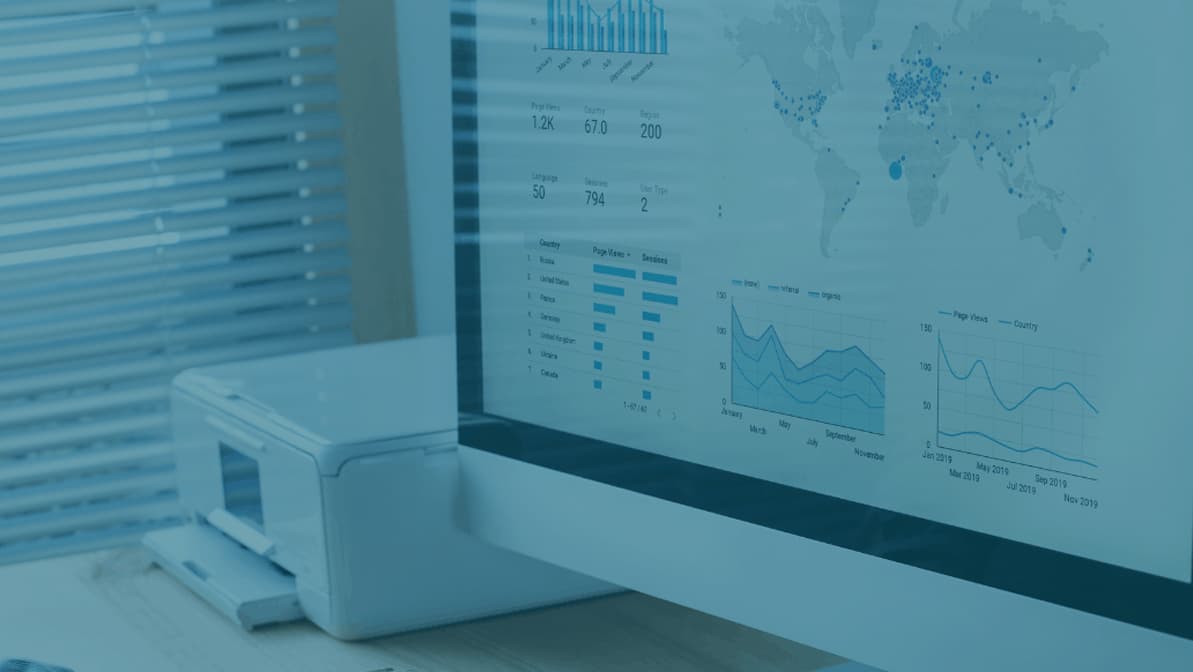
DARs are ultimately part of a larger whole and support comprehensive risk management. A key component of comprehensive risk management is knowing where the daily information your guards gather on the ground goes. This is where DARs connect to what’s known as real-time dashboards.
Free guide: The Complete Buyer’s Guide for Physical Security Workforce Management Software includes evaluation checklists and the questions to ask vendors before you sign.
When searching for the right DAR solution, remember that all reporting, whether for incidents or daily activity, must give back value in two forms: KPIs and risk management.
Usability: reporting that is easy (and dare we say fun?) to use
What good is a digital report if it’s not intuitive or easy to use? Not all digital reporting systems are alike. And while it’s tempting to use a digital version of a literal paper-based DAR, you’ll soon realize that there is much more to having a comprehensive reporting experience.
Configurable DARs
For instance, your DARs can be configured to help standardize processes, like guard responses, SOPs, and any regulatory functions that require the issuance of a report.
In brief, configurable reporting templates allow for supervisors to adapt form fields and form requirements to fit SOPs, contract requirements, and state regulations. When DARs are configured, supervisors can run standardized processes across all sites. With just one report, guards answer the right questions in the right way, even when using the same standard reporting fields and requirements.
Integrating with a system
With an easy DAR experience, your guards on the field won’t have a steep learning curve. That’s because when DARs are connected to a workforce management system, you’ll have access to training modules that can help ensure your guards are trained on all reporting procedures. This includes knowing if:
- Guards are interacting with the public
- They’re trained on reporting critical incidents
- They’re trained on communication and listening skills to gain appropriate information
- They are prepared for client-specific or site-specific rules and any related reporting
An extra benefit to having usable DARs is knowing that you’ll be able to provide your clients with accurate information and transparency in the form of automated reports.
Paper vs. spreadsheets vs. DAR software
Most security companies move through three stages of daily activity reporting. Here is how they compare on what clients and supervisors care about most.
| What matters | Paper DARs | Spreadsheets | DAR software |
|---|---|---|---|
| Proof the officer was on site | Officer’s word only | Manual entries that are easy to edit | Time-stamped entries with GPS location |
| Photos and evidence | Attached separately, if at all | Stored in separate files | Photo, video and audio captured inside the report |
| Consistency across officers | Depends on handwriting and memory | Varies by who fills it in | Guided, configurable templates for every site |
| Supervisor review | Collected at shift end, often late | Emailed and merged by hand | Available in real time, with alerts for missed items |
| Client reporting | Scanned or retyped | Exported and formatted manually | Scheduled reports and client portal access |
| Trends and KPIs | Not practical | Possible, with heavy manual work | Built-in dashboards across sites |
Spreadsheets are a real step up from paper, but they still depend on someone remembering to fill them in and someone else compiling them. Dedicated DAR software captures the record as the work happens.
DAR software evaluation checklist
Use these questions when you compare DAR solutions or sit through a vendor demo:
- Can officers file a DAR without leaving their guard tour? Switching apps mid-shift leads to skipped entries.
- Are templates fully configurable? You should be able to match each contract, site and regulation without a developer.
- Does every entry capture evidence automatically? Look for timestamps, GPS location, photo, video and audio.
- Will supervisors be alerted to what matters? Automatic email or text notifications should flag incidents and missed tasks, not every routine entry.
- How do clients receive reports? Check for scheduled reports, a client portal and easy sharing.
- Does it work on the devices your team already has? iOS, Android and bring-your-own-device support keep rollout costs down.
- Is the DAR connected to the rest of your operation? Reports should feed guard tours, incident management, scheduling and business intelligence.
- Is AI assistance built in? AI writing support can turn rough notes into clear, consistent reports and save supervisors editing time.
How TrackTik handles daily activity reporting
TrackTik, the security workforce management platform from Trackforce, treats the DAR as part of the shift rather than a form filled in at the end of it. Here is how a report moves through the platform:
- The officer reports from the field. In the TrackTik guard tour app, officers submit daily activity and incident reports without leaving their tour, on iOS or Android devices.
- Templates guide every entry. Configurable templates match each contract’s specifications, with step-by-step prompts so no detail is missed.
- Evidence is captured automatically. Entries carry time-stamped photo, video, audio and GPS evidence, so the record holds up with clients and in disputes.
- AI polishes the report. ReportPro AI turns rough field notes into clear, compliance-ready reports and generates executive summaries.
- The right people are notified. Automatic email or text notifications and workflows alert supervisors and stakeholders to anything that needs follow-up.
- Clients see the work. Reports can be shared with stakeholders through the TrackTik Client Portal, by email or in person.
- Data becomes insight. Every DAR feeds TrackTik business intelligence dashboards, so you can track KPIs and spot trends across sites.
Goals: what can you expect from your DARs?
From new opportunities to gain stronger contracts in emerging industries to knowing if technological shifts toward automation and remote capabilities have improved overall operations, the security industry at large will benefit from improving the biggest factor in day-to-day activities: the DAR.
So what can security guard companies expect from their DARs? With the right software, DARs can become a critical tool for proactive risk management and can ultimately improve visibility and control over your operations.
Frequently Asked Questions
Latest Articles





Featured Resources





See Trackforce in action
Book a walkthrough with our team and see how it fits your operation.
Modernize your daily activity reports
Book a demo to see how TrackTik captures DARs in the field, polishes them with ReportPro AI and delivers them to supervisors and clients automatically.