What Labor-Saving Technologies are Being Used in the Security Industry?

Trackforce
February 6, 2017 · 12 min read
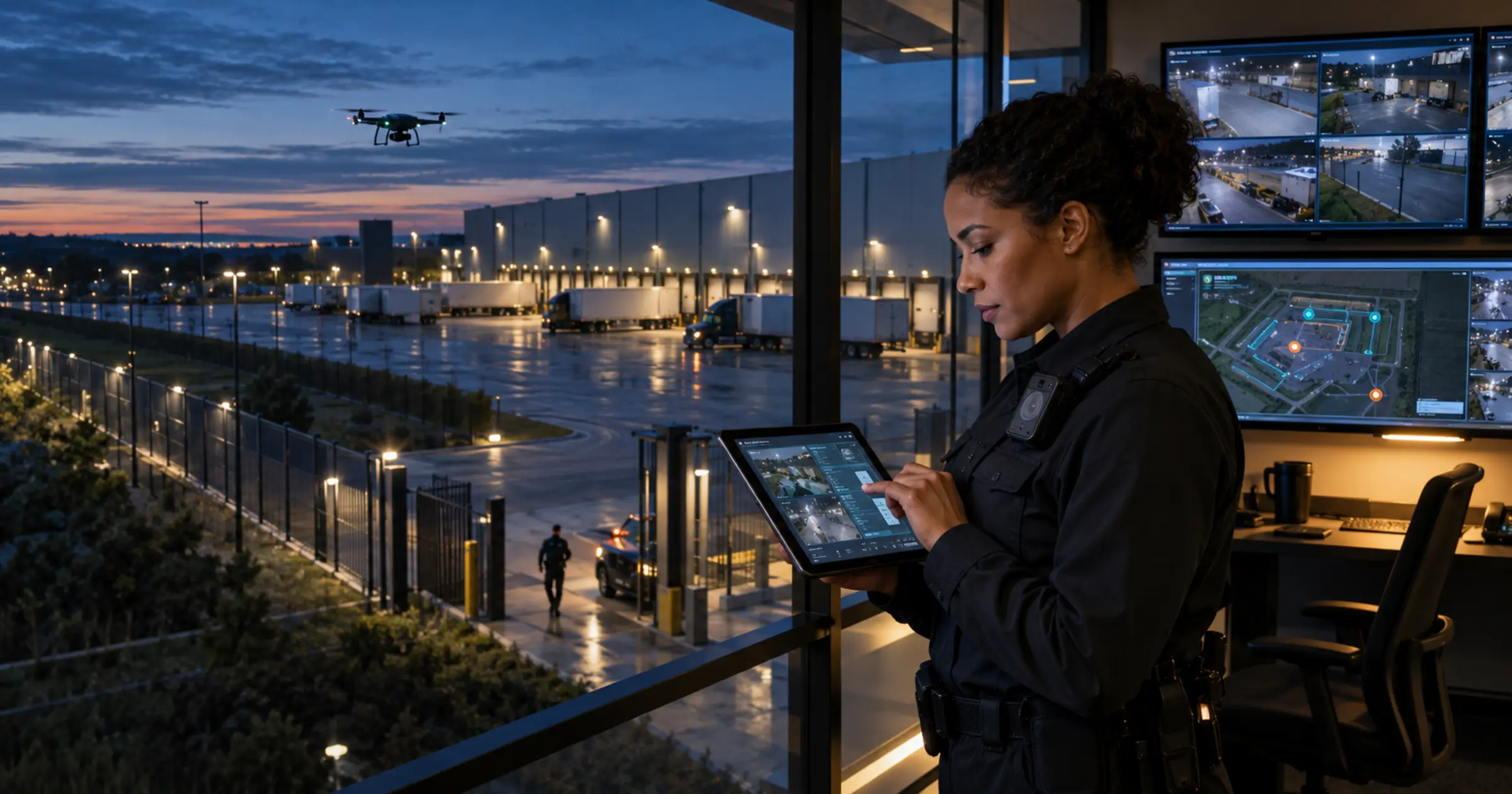
Technological innovations are leaving a significant footprint on the security industry. Video surveillance is at its all-time best, drones are edging further into the sector, and automation is reshaping what a given headcount can cover. Labor costs remain the heaviest expense for security companies, which is why anything that reduces hours worked without reducing service quality gets attention quickly.
The scale of that expense has grown considerably. The mean annual wage for a security guard in the United States is now roughly $42,470, with a median of about $38,020, according to the Bureau of Labor Statistics Occupational Employment and Wage Statistics program for May 2025, covering more than 1.28 million workers. Those costs climb further in higher-wage states and specialized industries, so labor-saving technology has stayed at the top of priority lists.
Key takeaways
- Labor is the cost that matters, and it keeps rising.
Guard wages have climbed substantially over the past decade, so a contract priced a few years ago now carries more cost than it did when it was signed. - The headline technologies rarely remove a post.
Drones, body cameras and analytics change what an officer can cover or prove, but they seldom eliminate the requirement for someone on site. - The largest savings are administrative, not operational.
Scheduling, report writing, timesheet chasing and invoice rebuilding consume hours that no client ever pays for. - Test whether a tool removes a step or simply moves it.
Technology that creates a second place to enter the same information adds labor while appearing to save it. - TrackTik is where the administrative hours come back.
Tours, incident reports, dispatch, scheduling and invoicing run on one record, so the same data is captured once and used everywhere.
Where The Labor Actually Goes
Before evaluating any technology it helps to know which hours you are trying to recover. In most contract security operations the billable hours are reasonably efficient already. It is the unbillable hours around them that quietly absorb margin.
| Where the hours go | What technology changes |
|---|---|
| Writing and rewriting incident reports | Structured capture in the field removes the supervisor rewrite |
| Building and reworking the schedule | Rules-based scheduling handles coverage, certifications and overtime limits |
| Chasing timesheets and attendance | Clock-in data captured as officers work, flowing into payroll |
| Rebuilding invoices and resolving disputes | Billing generated from the attendance record the client can see |
| Driving to sites to confirm a patrol happened | Checkpoint scans with time and location remove the verification trip |
| Assembling client reports by hand each month | Dashboards the client can open themselves |
Notice how few of these are field problems. That pattern is worth carrying through the rest of this article.
Drones And Aerial Monitoring
Drones are one of the most interesting evolving technologies, not only for their impact on human resources but also for the standard of security they make possible in difficult environments. First responders can gauge risk before walking a perimeter, and threat is far easier to assess than it once was. Drones are well established in national security, and as battery life improves they move closer to being a practical continuous monitoring option for private sites, which reduces the number of officer hours needed to cover open ground.
The honest caveat is that a drone changes who watches rather than removing the response requirement. Something still has to happen when the drone sees a problem, and that something is usually a person being dispatched. Our drone security webinar covers where the technology is genuinely useful today and where it is still ahead of the regulation.
Video Verification And Higher-Resolution Monitoring
False alarms have been a stain on the industry for years, and now that many municipalities charge penalties for them, video verification is being used to stem the tide. With fewer unnecessary dispatches, staffing needs scale back and vehicle costs fall with them.
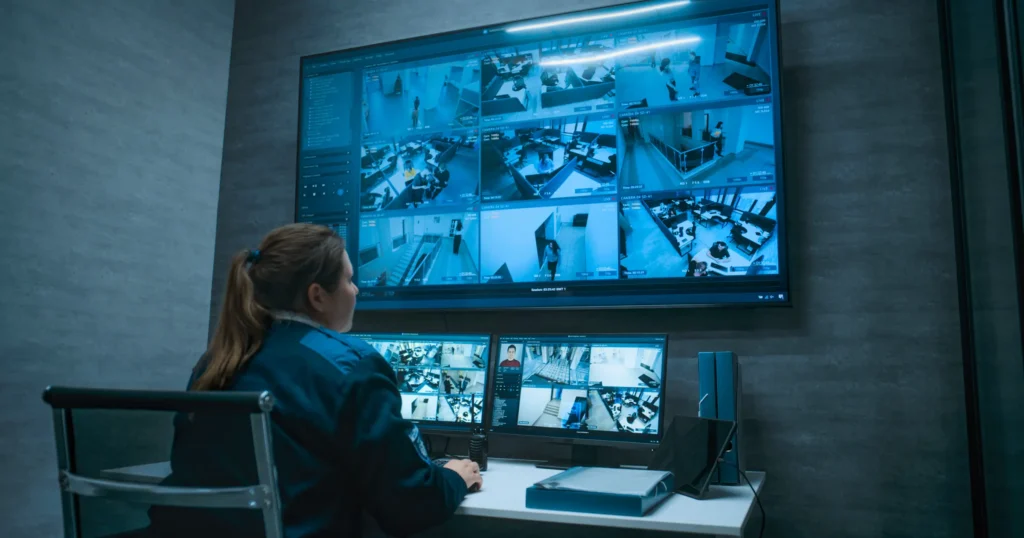
Higher-resolution monitoring has had its own distinct effect. Video surveillance is only as useful as the quality of its images, and now that high-resolution retrieval and analysis are practical, an area can be assessed accurately in far less time. Because cameras now cover usable detail at greater distances, larger areas can be monitored from behind the camera rather than in front of it, so one officer can hold ground that used to need several. That only works if the person watching can act immediately, which is what a command center and guard dispatch are for.
Smartphones And Self-Monitoring
Demand for self-monitoring has risen steeply alongside advances in the ordinary smartphone. It reduces staffing requirements without the capital outlay that once made mobile deployment hard to justify. Security providers without a strategy for smartphone-based service risk losing share to self-operated systems, so the practical response is to make the phone the officer already carries do more of the work.
That is where most of the accessible labor saving sits today. Mobile apps that let officers scan checkpoints, log tasks and file reports from the field turn the handset into the data-entry layer, which is exactly what the guard tour system is built around.
Body-Worn Cameras
Body-worn cameras let video be integrated into mass notification, evidence collection and access control. They can’t take the place of a guard, but they certainly can cut back on administrative staffing by automating storage, data processing and information aggregation. Open platform systems increasingly merge private and public requirements, which improves chain of custody and data sharing.
The labor saving here is mostly in dispute resolution. Footage attached to an incident report ends an argument that would otherwise consume supervisor and management hours, which is a real cost even though it never appears on a schedule.
Data And Analytics For Smarter Deployment
Data and analytics let you distribute people more efficiently and adapt your staff complement to each area, industry and budget. An integrated security system already collects the information you need, so the missing piece is usually analysis rather than more collection. It can also help you assess how well each system type is performing, which means you can serve new clients according to the statistics that actually apply to their area and industry.
This is the least glamorous item on the list and frequently the most valuable. Knowing which sites generate the most incidents, which shifts run short and which posts are consistently over-resourced changes deployment decisions immediately. Business intelligence reporting across sites is what turns that from an instinct into a number, and there is more on the commercial side of it in how security companies increase their bottom line with technology.
The Labor Saving Most Firms Overlook
Every technology above changes what happens in the field. None of them touch the part of a security business where hours disappear fastest, which is the office. A firm running a few hundred officers can easily carry several full-time equivalents of work in scheduling, report handling, timesheet reconciliation and invoice preparation, and none of it is billable to anybody.
This is where TrackTik, the security workforce management platform from Trackforce, is aimed. Each item below removes a step rather than relocating it:
- Reports that are written once. ReportPro AI turns an officer’s account into a clear, consistent report, which removes the supervisor rewrite and the quality gap between your strongest and weakest writer.
- Scheduling that respects its own rules. Guard management handles coverage, certifications and overtime thresholds, so building a week stops being a manual puzzle solved in a spreadsheet.
- Attendance that becomes payroll without retyping. Clock-in data captured in the field carries straight through, which is the single largest administrative saving most firms find.
- Invoices built from the same record. The back office suite bills from hours the client can already see, which removes both the rebuild and most of the disputes that follow it.
- One operating record instead of four systems. The TrackTik platform keeps tours, incidents, dispatch, scheduling and billing together, so a change in one place does not create reconciliation work somewhere else.
If admin load is your pressure point, solving admin overload with automated task assignment goes further into the scheduling side of it.
The useful question about any labor-saving technology is not what it can do. It is which specific task somebody on your payroll will stop doing on Monday.
How To Judge A Labor-Saving Technology Before You Buy
Plenty of technology in this industry demonstrates well and then adds work once it is live. These five questions separate the two:
- Which task disappears completely? Name the person and the task. If nobody stops doing anything, the saving is theoretical.
- Does it create a second place to enter the same data? A tool that requires the officer to complete a form and the office to re-enter it has moved the labor rather than removed it.
- Does it connect to payroll and billing? Field data that stops short of the invoice leaves the most expensive manual step exactly where it was.
- What does it need from a supervisor each week? Ongoing configuration, exception handling and chasing adoption are real hours. Ask what they look like at month six, not week one.
- Can the client see the output without you assembling it? Anything that still requires someone to build a monthly pack by hand is leaving the clearest saving on the table.
Today’s security services are far more tailored than they once were, and every client expects service shaped around their own site. Technology is what finally made that affordable at scale. The firms getting the most from it are the ones that measured the administrative hours first and then bought against that number, rather than buying the most impressive demonstration. If you want to work through where your own unbillable hours sit, you can request a TrackTik demo.
Frequently Asked Questions
Latest Articles

Featured Resources




See Trackforce in action
Book a walkthrough with our team and see how it fits your operation.