How Enterprise Security Teams Report Incidents to Legal and Compliance
This guide covers what legal and compliance teams need from a report, the workflow most enterprises follow, and how TrackTik by Trackforce supports each step.

Trackforce
October 22, 2026 · 9 min read

Short answer: Enterprise security teams report incidents to legal and compliance by capturing every event in a standardized, time-stamped report, attaching evidence at the scene, and routing the record by severity to the right reviewers. The best programs keep an audit trail from first note to final sign-off. Software makes that process repeatable across every site and shift.
Key takeaways
- Legal and compliance teams can rely on a report when it includes objective facts, supporting evidence, documented response actions, and a severity classification.
- Time-stamped photos, video, audio, and location data captured at the scene carry more weight than evidence gathered afterward.
- Severity tagging gets serious events to legal and compliance quickly and keeps routine reports out of their queue.
- Most enterprise teams follow six steps: capture, classify, escalate, review, retain, and analyze.
- In Trackforce’s own benchmark report, 45% of enterprise security respondents spend more than 10 hours a week on compliance reporting and audit work.
- TrackTik standardizes reports across every site, attaches evidence to the record, and logs every edit, including ReportPro AI enhancements.
Why Does Incident Reporting to Legal and Compliance Matter?
An incident report is a business record. Legal teams rely on it when a claim, injury, or dispute follows an event. Compliance teams rely on it to show that policies were followed and that regulators and clients can trust the process.
Security directors know the problem well. Guards write reports in different formats, details go missing, and evidence lives in email threads or phone galleries. When legal asks for the full story, the team rebuilds it from memory.
What Does the Data Say About Compliance Reporting Today?
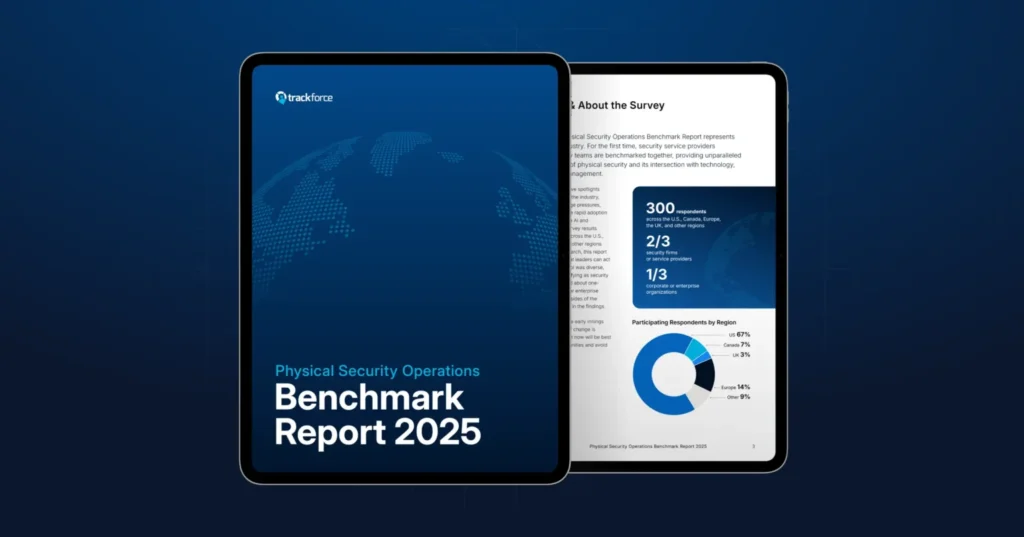
Trackforce’s Physical Security Operations Benchmark Report surveyed more than 300 security professionals, and the findings for enterprise security teams show a clear pattern:
- 45% spend more than 10 hours per week on compliance reporting and audit requirements, and 18% spend more than 40 hours.
- Only 4% have automated 81% to 100% of their compliance and audit processes. The largest group, 37%, has automated 20% or less.
- Teams rate the integration of their physical security systems 3 out of 5 on average.
- 79% respond to high-priority incidents in under 15 minutes. So while response is fast, the manual burden sits in the reporting and audit work that follows.
What Should an Incident Report Include for Legal and Compliance Review?
A report that holds up under review contains four elements.
1. Objective facts
Record who, what, when, and where. Use plain language, exact times, and the specific location. Avoid opinions, because legal reviewers read for facts they can verify.
2. Supporting evidence
Photos, video, audio, and location data strengthen a written account. Evidence captured at the moment of the event carries more weight than evidence gathered afterward.
3. Actions taken
Document every response step, including who was notified, when, and what they did. This shows the team acted according to procedure.
4. Classification and severity
Tag each report by incident type and severity. Classification drives escalation, so legal and compliance see serious events quickly and routine events do not flood their queue.
What Is the Typical Workflow for Escalating an Incident?
Most enterprise teams follow six steps.
- Capture. The officer documents the event on site using a standard template.
- Classify. The report is tagged by category and severity.
- Escalate. High-severity events trigger immediate notification to supervisors, then to legal, compliance, HR, or risk management as policy requires.
- Review. A supervisor checks the report for completeness and clarity.
- Retain. The final report, evidence, and edit history are stored according to your retention policy.
- Analyze. Security leaders review trends across sites to reduce repeat incidents.
The workflow is simple on paper. The difficulty is making it happen the same way at every location, every shift, and every time.
Where Do Manual Reporting Processes Break Down?
Teams that rely on paper forms, spreadsheets, or email run into the same problems:
- Inconsistent detail. Without a guided format, reports vary by author.
- Delayed escalation. A report waiting in an inbox is a report legal has not seen.
- Scattered evidence. Photos and video on personal devices are hard to retrieve and harder to authenticate.
- Weak audit trails. When a report is edited, there is often no record of what changed.
- No trend visibility. Individual reports never become a picture of enterprise risk.
Trackforce covers the cost of manual reporting in more depth in Stop Losing Hours to Manual Incident Reports.
How Does TrackTik by Trackforce Support Incident Reporting for Corporate Security Teams?
TrackTik is Trackforce’s security workforce management platform. Its security incident reporting software gives legal and compliance teams a complete, defensible record.
Guided, customizable reporting
Officers follow step-by-step prompts, so no detail is missed. Incident forms and severity levels are configurable, which lets you match fields to your policies and to the way your legal team reads a report. Reporting happens inside the officer’s tour in the mobile app, so they stay on post while they document.
Benefit: Every report arrives in the same structure, regardless of who wrote it or where it was filed.
Evidence captured at the scene
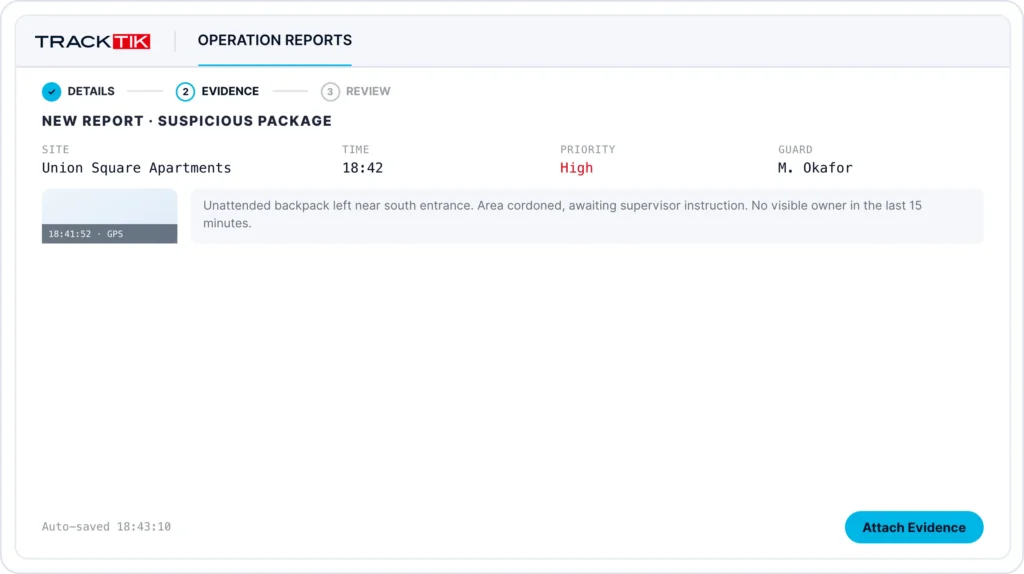
Officers add time-stamped video, photo, audio, and GPS evidence from the mobile app while they write the report, and every file attaches to the report itself. Evidence stays with the record instead of sitting on personal phones or in email threads. When legal or compliance opens a report, they see the written account and the supporting files together, with the time and location of each capture.
Benefit: Reviewers get one complete record with the context they need to verify what happened, which makes the report easier to rely on if an event leads to a claim, an audit, or litigation.
ReportPro AI for faster, clearer reports
ReportPro AI is built into TrackTik incident reporting. It turns informal notes into structured, professional documentation and offers real-time language support. It also generates instant executive summaries, so reviewers can grasp a long report in seconds.
For compliance teams, the key is transparency. Every AI modification is logged, original and enhanced content are available side by side, and AI-enhanced text is clearly labeled.
Benefit: Faster, cleaner reports without giving up the audit trail compliance requires.
Real-time notifications and the Command Center
Standardized reporting tools deliver instant notifications to stakeholders, so the right people see serious events as they happen. The TrackTik Command Center brings alerts, patrol tracking, incident management, and guard dispatch into a single real-time interface. TrackTik also integrates with existing infrastructure such as access control systems, CCTV networks, alarm systems, and IoT devices. That speaks directly to the integration gap the benchmark found.
Benefit: Escalation to legal and compliance starts at the moment of the incident, not at the end of the shift.
Analytics that turn reports into insight
Because every report follows the same structure, data from every site feeds the same analytics dashboards. Security leaders can filter by site, incident type, and time period to spot repeat incidents at a location or patterns tied to specific shifts. They can show executives where risk is concentrated and track whether corrective actions are working over time. Legal and compliance teams can use the same view to find recurring issues that may point to a gap in policy or training.
Benefit: Security leaders can back budget and staffing requests with their own incident data, and legal and compliance get an early view of patterns that call for a policy review.
What Should You Look for in Incident Reporting Software?
Ask these questions when you evaluate platforms:
- Can we customize forms and severity levels to match our policies?
- Does the platform capture photo, video, audio, and location evidence in the report?
- Are all edits logged, with originals preserved?
- Do the right stakeholders get notified automatically by severity?
- Can we report on trends across all sites in one dashboard?
- Does it connect to the access control and video systems we already use?
If the answer to any of these is no, your teams will likely keep filling the gaps by hand.
Custom demo
Ready to Standardize Incident Reporting Across Your Sites?
A reporting process that legal and compliance trust starts with consistent capture, clear evidence, and a complete audit trail. TrackTik by Trackforce gives corporate security teams all three in one platform.
Frequently Asked Questions
Latest Articles




Featured Resources





See Trackforce in action
Book a walkthrough with our team and see how it fits your operation.