What’s Actually in TrackTik’s Back Office Suite

Trackforce
July 20, 2026 · 7 min read
Your schedulers are chasing coverage by text message. Your billing team is re-entering the same hours three times before an invoice goes out. And somewhere in between, a guard’s verified clock-in from Tuesday still hasn’t made it to payroll.
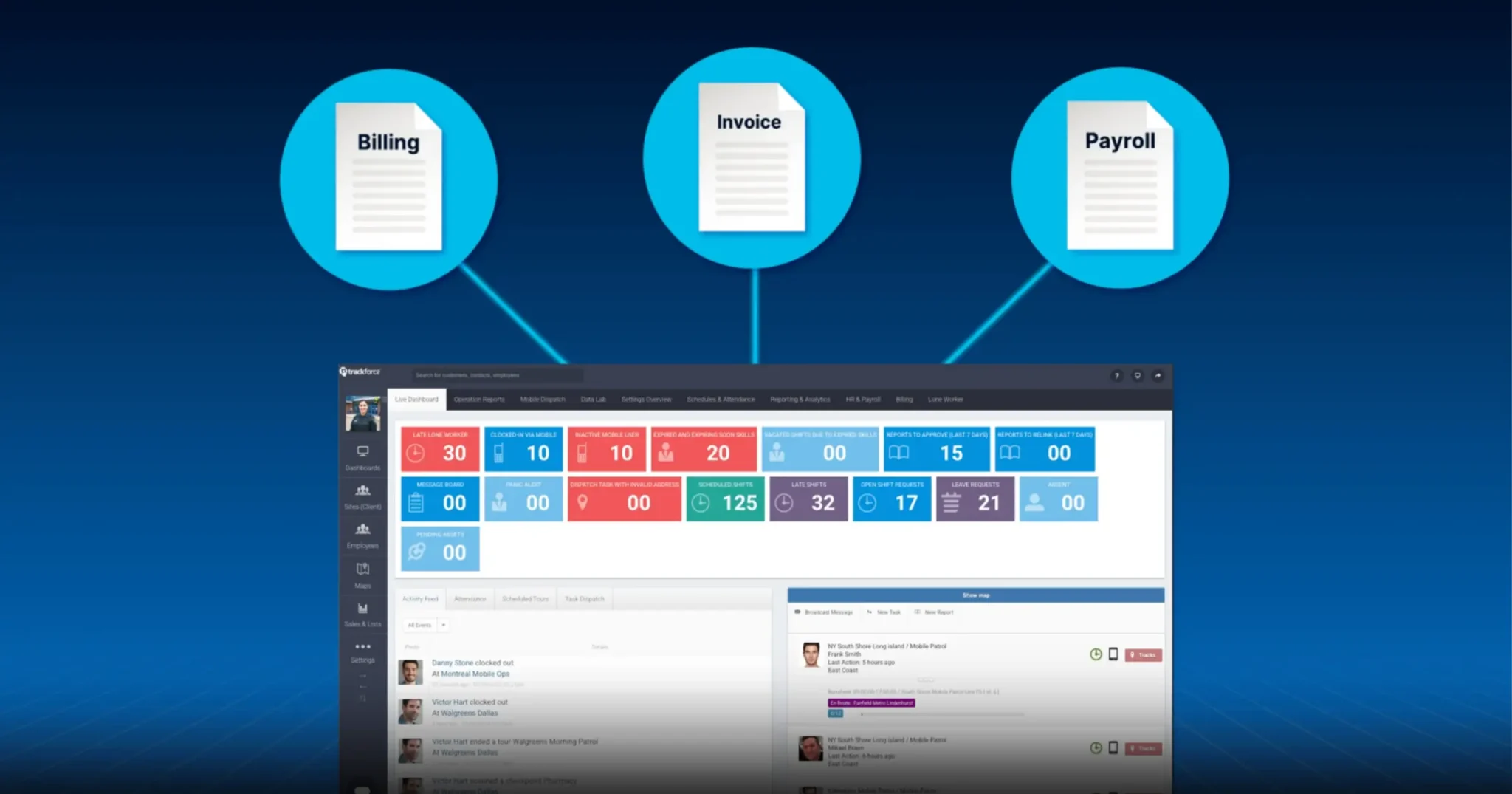
That’s the gap BOSS, TrackTik’s Back Office Operating System Suite, was built to close. We put together a short video that walks through exactly what’s inside it, so you can see the workflow before you ever book a demo. Below the video, you’ll find a written breakdown of the workflow, the four modules and how firms get started.
Key takeaways
- The shift-to-invoice gap is where margin disappears.
Hours verified in the field get re-keyed into payroll and billing, and errors compound at each step. - BOSS turns operational data into back-office work.
Open shifts become filled coverage, verified hours become timesheets, timesheets become invoices. - Four modules, one workflow.
Scheduling and attendance, contracts and invoicing, leave management, and lone worker. - No second platform.
BOSS lives inside TrackTik: same login, same guards, same sites, same data. - Start where the pain is sharpest.
Modules can be added one at a time, usually scheduling or invoicing first.
The Shift-to-Invoice Gap
Most security firms already have the data they need. Clock-ins, verified hours and shift records are captured in TrackTik. The problem is what happens downstream, where the same information gets re-entered into payroll, into billing and into a spreadsheet someone built years ago. That gap between the data you have and the data your back office uses is where margin goes, and where profit margins quietly shrink.
- Scheduling fire drills. A single no-show can cost around 45 minutes of admin work. Across multiple sites and a few callouts a week, that adds up to 5 to 8 hours per scheduler.
- Three sources of truth. Hours verified in TrackTik, re-entered in payroll, re-entered again in billing. Three reconciliation cycles, three places for errors, and disputed invoices every week.
- Slow invoicing. Two to three weeks from shift completion to invoice is common, and every day of delay adds to days sales outstanding.
How BOSS Works: One Workflow, End to End
BOSS connects the steps your back office currently handles by hand:
- Open shift. A coverage gap surfaces in real time.
- Auto-filled. Scheduling matches officers on certifications, location and overtime exposure.
- Verified hours. Clock-ins are captured and validated from the guard app.
- Reconciled timesheet. Hours flow to payroll-ready output.
- Approved invoice. Contract-aware billing goes out in days rather than weeks.
The Four BOSS Modules
| Module | What it does | The problem it solves |
|---|---|---|
| Scheduling and attendance | Auto-fills open shifts based on certifications, location and overtime exposure, with a real-time multi-site coverage view and overtime flagged before it happens | Hours lost chasing coverage and avoidable overtime |
| Contracts and invoicing | Generates invoices automatically from verified shift data, with multi-contract billing at site-level accuracy and audit-ready reporting for every billing cycle | Re-keyed hours, billing errors and slow invoicing |
| Leave management | Tracks PTO, sick and unplanned leave in one place, with self-service requests from the mobile app and real-time impact on coverage and overtime risk | Leave surprises that create coverage gaps |
| Lone worker | Periodic check-ins with automatic escalation, a panic button with location and incident detail, and an audit trail for compliance and insurance reviews | Officers working alone without a safety net |
Scheduling and leave build on TrackTik people management, and invoicing builds on TrackTik contracts and invoicing, so the whole suite works from the same records your operations team already maintains.
Why BOSS Is Different From Generic Back-Office Tools
| Generic back-office software | BOSS in TrackTik |
|---|---|
| Built for retail, hospitality or general workforces | Built for guarding: multi-site, multi-contract, certification-aware scheduling |
| Separate login, separate data, integration to maintain | Lives inside TrackTik: same login, same guards, same sites, same data |
| Billing rules that do not match how security is quoted | Billing that follows how security firms actually quote and invoice |
| Attendance and pay reconciled by hand each week | A clock-in automatically becomes a payroll line and an invoice line |
For the bigger picture of how these pieces fit with payroll and accounting platforms, see TrackTik business administration, and for the outcomes firms are chasing, automating payroll and workforce management and protecting margin and billing.
What Firms Running BOSS Report
- About 40% average time savings on scheduling tasks.
- Faster payroll uploads at Hawkeye Security.
- 99%+ accuracy on hours per shift at Close Range International.
“Officers can now select the open shifts they want to pick up, saving our office valuable time searching for a qualified officer. The approval process is smooth and efficient.”
Wayne Paquette, Account Manager, Close Range International
Getting Started With BOSS
- Pick the sharpest pain. Fast-growing operations usually start with scheduling; firms under cash-flow pressure often start with contracts and invoicing.
- Plan the rollout. For existing TrackTik customers, implementation typically takes 4 to 6 weeks per module, with a dedicated implementation manager and weekly check-ins. See Trackforce implementation services.
- Add modules as you go. Modules can be bought separately or together, so you can expand once the first one is running.
- Measure the change. Track scheduler hours, time from shift to invoice and invoice disputes before and after. Increasing your bottom line with technology explains how to estimate the return.
Want to see it with your own sites and contracts? Book a TrackTik demo or explore the full Back Office Operating System Suite.
Frequently Asked Questions
Latest Articles





Featured Resources





See Trackforce in action
Book a walkthrough with our team and see how it fits your operation.