Transforming Your Reports into a Time Saving, Contract Closing Machine

Trackforce
October 21, 2015 · 10 min read
Transforming Your Reports into a Time Saving, Contract Closing Machine
Daily Activity Reports (DARs) can make or break your security guard business. Done well, reporting increases the efficiency of your operations, ensures accountability for your officers, and improves customer acquisition and retention. Done poorly, the reporting process becomes a massive drain on your resources.
We once spoke with a security company owner at ASIS who still employed four full-time office staff just to manage reports, including editing, scanning, faxing and sorting. Our jaws pretty much hit the floor. It was a reminder of the days when security companies rented storage space to hold giant boxes of paper reports.
With today’s technology, there’s no reason to keep such an inefficient process. Going paperless with your daily activity reports is a good first step if you haven’t already made the switch, but there are several other simple things you can do to make your reports far more valuable.
Key takeaways
- Reports are a sales tool, not just paperwork.
The reports your client reads every week shape how they judge your service at renewal time. - Standardize before you scale.
Agreeing on what every report must include at the start of a contract saves officers, supervisors and clients time on every shift. - Put what matters first.
Clients are busy, so lead with high-priority issues and leave out jargon they will not understand. - Trends win renewals.
Summaries of recurring issues and how you resolved them show value and can justify your rates. - Let the platform do the heavy lifting.
TrackTik schedules, enriches, polishes and delivers reports automatically, so your team spends time on service, not paperwork.
Standardize the Information
One of the biggest time sinks in the reporting process occurs when guards either include unnecessary information or exclude important details. In the former case, the guard goes to extra work writing down the observation and the client spends extra time reading it. In the latter case, you have to call up the officer and find out what it is he or she left out.
You can save a lot of time and confusion simply by establishing early on what needs to be included in each report. Make sure your officers know exactly what’s expected of them, including showing them examples of good and bad reports. Our list of the 7 things every daily activity report should include is a practical starting point.
It all starts with making sure that at the very beginning of the contract you understand what your client’s needs are.
A longtime security company owner
By establishing exactly what information needs to be in the reports, you make life easier for everyone. Guards get their work done more efficiently, and they produce the reports that are most helpful to the customer. Agree on these points with every client at kickoff:
- Which report types they want, such as daily activity reports, incident reports and periodic summaries
- How often each report is delivered and who receives it
- The required fields and evidence for each report type, such as photos, times and locations
- What counts as a high-priority issue that needs immediate escalation
Prioritize What Matters in Every Report
You want to make sure your reports contain all the pertinent information, both for practical day-to-day reasons and for legal reasons. If there’s a break in or some other sort of criminal activity, it’s important to record when and where your officer inspected.
Still, most clients aren’t going to want to read all of that. As we covered in how to write a daily activity report that matters, jargon like “Code 4” clutters up reports and doesn’t add any value for the client. Keep the information in your reports as client-focused as possible, and structure it so the most critical details stand out at a quick glance.
Highlighting high priority issues, or color coding incidents by type, can be a great way to make your reports easier for clients to absorb quickly. Property managers are busy people, and if you can save them some time by creating reports they don’t have to pore over to get all the necessary information, they’ll be very grateful.
With TrackTik, configurable reporting templates let you standardize the fields each report requires and put whatever the client wants to know most right at the front.
How Much Time Does Manual Reporting Really Cost?
The hidden cost of manual reporting is not the paper. It is the hours spent writing, fixing, chasing and delivering reports that should take minutes. Here is how the same tasks compare.
| Reporting task | Paper or manual process | With TrackTik |
|---|---|---|
| Writing the report | Handwritten at the end of a shift, often from memory | Completed on the officer’s device during the tour, with time-stamped photos, video, audio and GPS |
| Fixing quality issues | Supervisors rewrite or call officers for missing details | ReportPro AI turns rough field notes into clear, compliance-ready reports |
| Delivering to the client | Scanned, emailed or left at the front desk | Scheduled reports and automatic email or text notifications, plus client portal access |
| Finding a past report | Searching files, folders or storage boxes | Backed up and searchable in seconds |
| Building a quarterly summary | Days of manual counting and spreadsheets | Dashboards that show trends across sites and time periods |
Let TrackTik Do the Heavy Lifting
The right platform turns reporting from a daily chore into a steady stream of proof. Here is how TrackTik, the security workforce management platform from Trackforce, handles the work.
- Guided, evidence-rich reports. TrackTik security incident reporting gives officers guided, in-tour reporting enriched with time-stamped video, photo, audio and GPS evidence.
- Scheduled reporting. Reports can be configured for hourly, daily, monthly or annual completion, with automatic email or text notifications to your team and stakeholders.
- Polished writing in one click. TrackTik ReportPro AI turns informal notes into professional reports and generates executive summaries in seconds, with the original and enhanced versions logged side by side.
- Real-time client access. A client portal gives customers real-time access to reports and operational overviews, which is the fastest way to build client trust by letting them see for themselves.
Gather Information and Make Suggestions for Improvement
Another security leader we met at ASIS reviews every report each quarter to build a summary of all the issues the team has handled, showing which are the most common and how they were resolved.
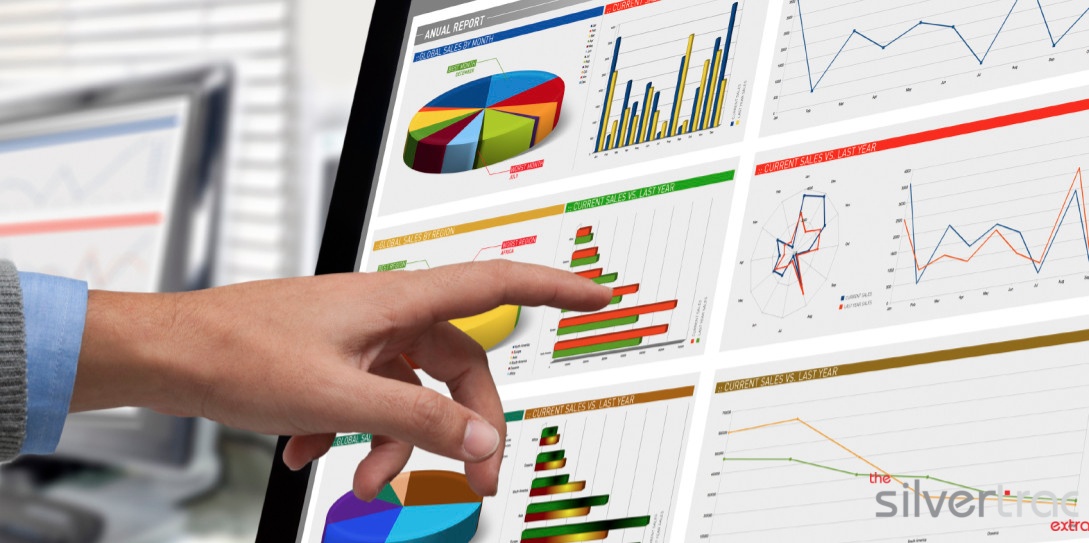
TrackTik does that work for you. TrackTik Business Intelligence dashboards visualize incidents, guard activity and compliance metrics across sites, using both current and historical data. You can see the most common issues and how often they occur over a month, a quarter or a year. That helps supervisors understand what to address with officers, and it shows clients all the work you’ve been doing.
Come contract renewal season, that’s going to be an extremely valuable tool. If you want to prove to customers that you’re worth every penny, or even that you need to increase the hourly rate, you need to have this information ready.
How to Use Your Reports to Close the Renewal
Great reports only pay off if you use them. Follow these steps to turn a year of reporting into a stronger renewal conversation.
- Set expectations at kickoff. Document the reports, fields and delivery schedule the client wants.
- Deliver on schedule, every time. Automated delivery removes the risk of a missed or late report.
- Review trends every quarter. Look for recurring issues by site, time and type.
- Recommend improvements. Suggest changes to post orders, patrol times or coverage based on what the data shows.
- Bring the evidence to the table. Show what was promised and what was delivered. TrackTik Contracts and Invoicing ties contracts, billing rates and services delivered to the same operational data, which strengthens the case for renewal or a rate increase.
The Bottom Line
The time you’ll save by implementing these suggestions with guard management software is staggering. For the quarterly summary alone, consider the difference between manually going through hundreds of reports and simply clicking a button.
Not only will these strategies save time, they’ll give you a leg up when it comes to winning and retaining clients against competitors using paper reports that are inconsistent, not customizable, and don’t contain summary information that can be used to make long-term strategic decisions.
Ready to see what your reports could look like? Book a TrackTik demo and the team will show you how to turn everyday reporting into proof that wins and keeps contracts.
Frequently Asked Questions
Latest Articles





Featured Resources





See Trackforce in action
Book a walkthrough with our team and see how it fits your operation.