How to Protect Retail Security Officers from Violence

Trackforce
November 5, 2026 · 6 min read
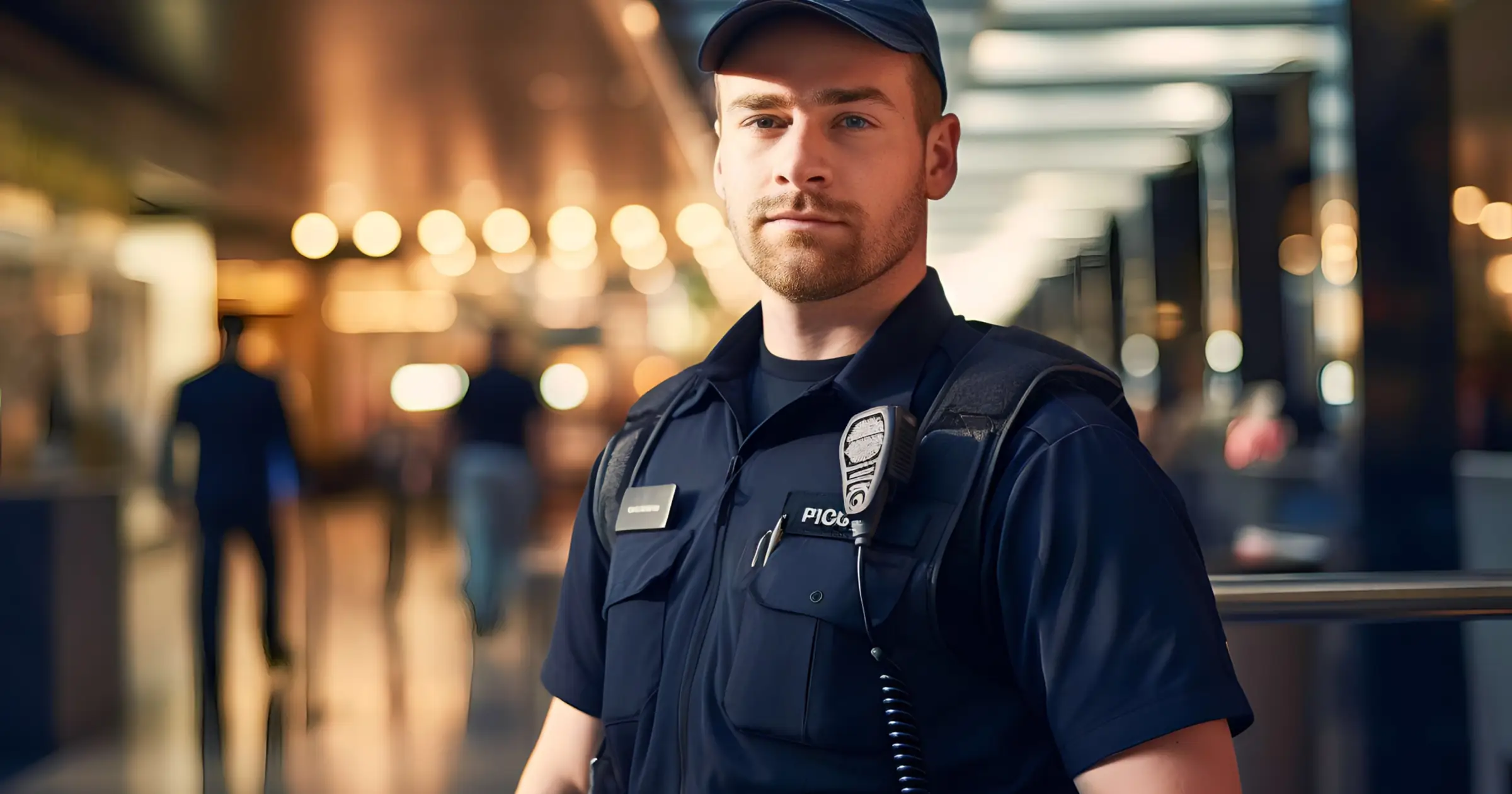
Demonstrations in German and French city centres turned violent in late October 2026, leaving shops along busy retail streets damaged and looted. For retail security teams, it was a clear reminder of how quickly the officer posted at a shop door can end up in the middle of an escalating situation.
For guarding firms and corporate retail security teams, the most useful preparation is straightforward. An officer who gets into trouble should be able to call for help in seconds, and the control room should hear it straight away.
When protests spill into shopping streets
Late October 2026 showed how quickly a demonstration can become a problem for the stores along its route. In Frankfurt, a youth march ended with damage across the city’s shopping streets, and Hesse’s authorities reported 17 shops damaged and five looted. Cologne and Hamburg saw unrest too, and the regional retail association called for rapid support for affected shop owners.
France saw a similar pattern on the same day. Around 320,000 people marched across the country, and while most of the protests were peaceful, shops along some routes were still damaged or looted. Students and unions followed with calls for further blockades and strike days.
For retailers, the timing is difficult. Many are heading into their busiest season, and France’s Alliance du Commerce has asked for stores to be allowed to open on Sundays through the end of the year. Longer trading hours put more officers on duty, often alone at the door, at a time when a crowd can reach a shopping street with little warning.
Why the officer at the door needs a faster way to call for help
Many retail posts are staffed by a single officer at the entrance. When a crowd moves through a shopping street, that officer may have only seconds to act, and stopping to make a phone call or find a radio channel can be the difference between a quick response and none at all.
Security leaders should be able to answer a few questions for every retail post before the next protest day. How does the officer raise the alarm if things escalate? Who in the control room hears it, and how quickly? And once the crowd has passed, how does the team confirm the officer is safe?
Raise the alarm in one press with the TrackTik Panic Button
Officers can sound an alarm and notify their team in a single action, either from the TrackTik mobile app or from a paired Bluetooth button they can press without reaching for their phone. For an officer facing a crowd at a shop door, that keeps both hands free and the call for help discreet.
In the control room, dispatchers working in the Live Dashboard hear an audible alarm when an officer presses the button, so the alert reaches the people who can coordinate a response.
A few setup points help the feature work when it matters. An administrator switches the panic button on and sets an emergency number for the site. The dispatcher’s audible alarm sounds on the Live Dashboard tab, so control rooms should keep that tab open throughout protest days.
Confirm officers are safe with Lone Worker check-ins
Lone Worker gives supervisors regular confirmation that officers working alone are safe. Officers signal at set intervals through their shift, which gives the control room a steady picture of every single-officer post, including the quiet hours after a demonstration has moved on.
To use it, a Lone Worker schedule needs to be in place for the post along with a call-in number. Teams covering stores near expected protest routes can set this up ahead of time so it is ready on the day.
Prove every round was done with Checkpoint Tours
Security directors can show head office, store by store, that every round was completed, including at stores that closed early or stayed shut during a protest. Checkpoint Tours are scheduled sets of checkpoints that officers scan by NFC, barcode or GPS as they move through a site. When a tour isn’t started by its cutoff time, TrackTik marks it as Missed and can alert a supervisor by email or SMS, so someone can follow up the same day.
This is most useful when the usual routine changes. A closed store still needs its entrances and perimeter checked, and a store opening for extra hours needs its rounds covered too. For missed-tour alerts to fire reliably, keep grace periods under 24 hours.
A readiness checklist for every retail post
Before the next protest day in your area, check each retail post against this list.
- Make sure the panic button is switched on and an emergency number is set for each retail site.
- Pair Bluetooth panic buttons for officers posted at store entrances, and have them test the button at the start of their shift.
- Keep the Live Dashboard tab open in the control room for the full duration of any protest day.
- Set up Lone Worker schedules and a call-in number for every single-officer post, starting with stores on or near expected protest routes.
- Schedule Checkpoint Tours for stores that close or change hours on protest days, and switch on missed-tour alerts for the supervisors who cover them.
- Agree with store managers on when an officer should press the button and who the control room calls next.
- When stores add Sunday or extended openings, apply the same setup to any new or additional posts before the first shift.
Give every officer a direct line to help
No one can predict exactly where a demonstration will turn. What security teams can control is how quickly an officer in trouble is heard and how confidently the control room can account for every post afterwards. Panic Button and Lone Worker are already part of TrackTik, and both can be set up for retail sites ahead of the next protest day.

Free download
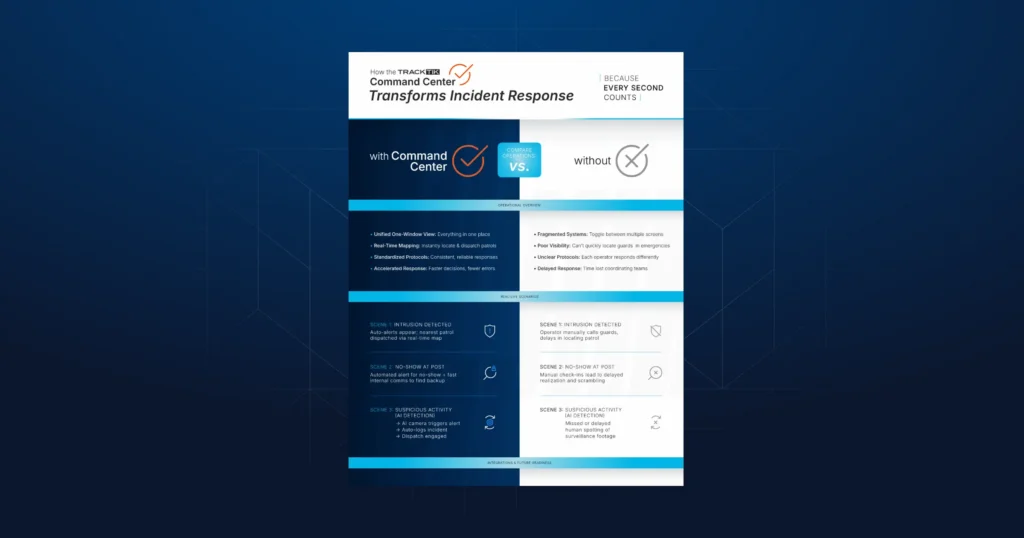
See how a command center speeds up incident response
Latest Articles

Featured Resources


See Trackforce in action
Book a walkthrough with our team and see how it fits your operation.