
What’s New in TrackTik? Q1 2026

Trackforce
January 23, 2026 · 5 min read
What’s New in TrackTik? Q1 2026
New Capabilities in Your TrackTik Subscription That Make Field Accountability Tighter and Holiday Scheduling Faster
If you’re already running TrackTik’s Guarding Suite or Mobile Patrol, two new capabilities are now available inside your existing subscription. Both were built for the realities of managing a security guard workforce across multiple sites: verifying that guards are where they’re supposed to be when they clock out, and eliminating the manual grind of applying holiday schedules across your operation.
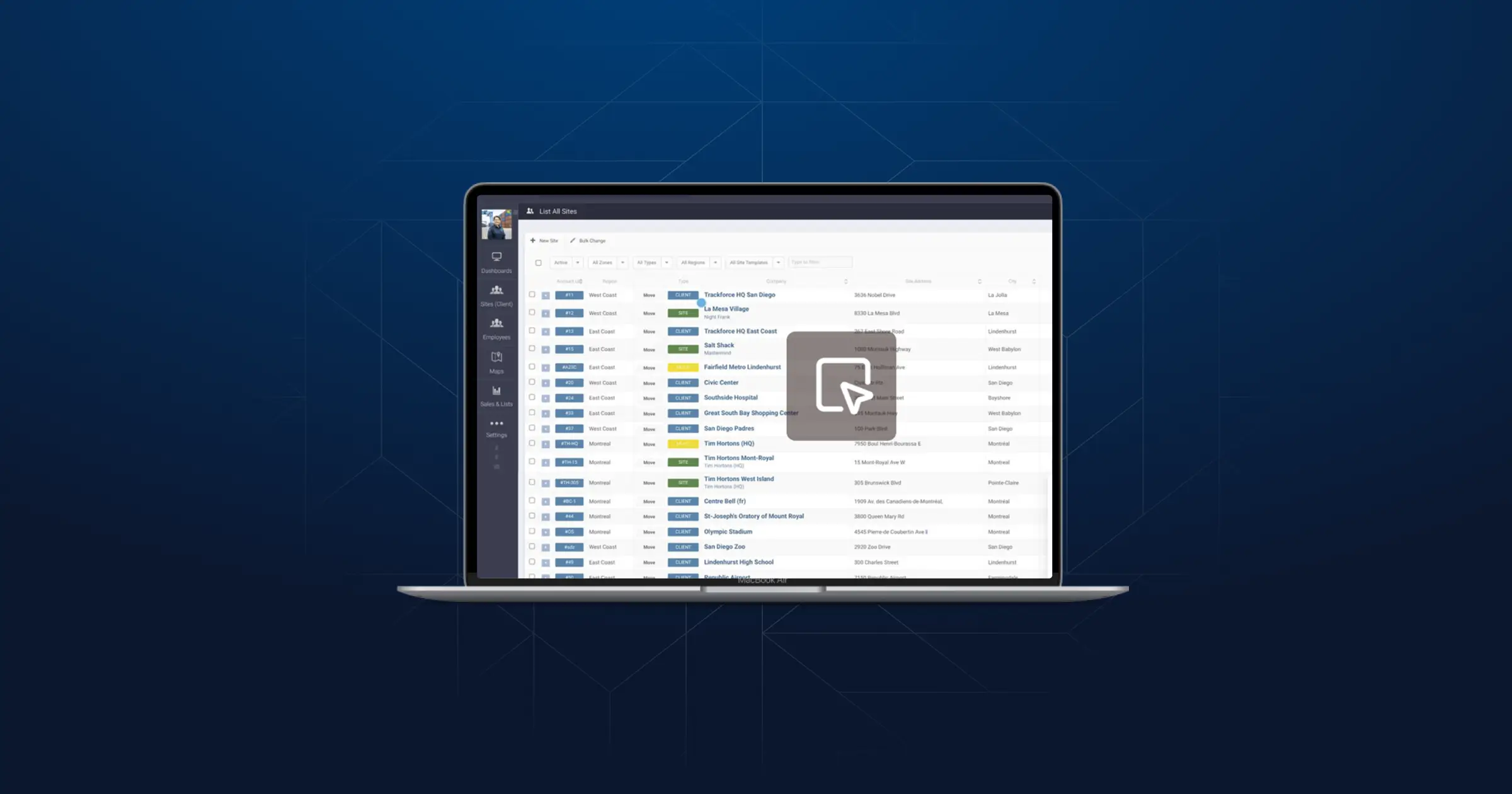
See step by step how to configure these new capabilities, and what you can expect to see. View demo: https://trackforce.navattic.com/New-releases-Q12026
1: Know When and Where a Guard Clocks Out
You’ve probably already felt the value of geofencing on the clock-in side. If a guard tries to clock in before they’re physically on site, the system flags it or blocks it completely. That alone has been a game-changer for accountability.
But here’s the gap that keeps operations managers up at night: what happens at the end of the shift?
A guard finishes their rounds, walks to their car, drives off site, and then clocks out. Or they clock out from home 40 minutes early. Under the old model, you wouldn’t know until you pulled the GPS logs manually, if you even got there.
TrackTik now can send an automatic alert the moment a guard clocks out outside their site’s geofence. You see it in real time. You can follow up immediately and confirm whether coverage was maintained, address it with the guard, and document it before the shift is even cold.
What Changes on the Ground
You catch coverage gaps before clients do:
- Get alerted the moment a guard clocks out off-site, not hours later
- Follow up and confirm coverage in real time, before a client calls to ask why nobody was at the entrance
- Turn a reactive problem into a proactive one you already handled
Your billing is protected:
- Clock-out is now location-verified, giving you a clean, defensible record
- Fewer discrepancies to sort through at month end
- Accurate shift data flows directly into payroll and invoicing
Your guards are held to a consistent, objective standard:
- The system applies the same rules to everyone without ambiguity or favoritism
- Accountability becomes a platform feature, not a management burden
- Security firms using TrackTik have already seen missed clock-ins drop by 35% after tightening geofencing controls
Your audits get easier:
- Exceptions surface automatically
- GPS logs, shift records, and clock-out data are all in one place
- Full shift verification from clock-in to clock-out, across every site
This pairs directly with TrackTik’s existing geofencing tools (GPS accuracy thresholds, restricted zones, and mobile app location controls) so both ends of every shift are now fully covered.
2: Set Holiday Schedules Once. Have Them Apply Everywhere.
Here’s a scenario you’ve probably lived: a long weekend is coming, holiday rules need to apply, and your scheduler is manually working through each site, each runsheet, each posting to make sure nothing falls through the cracks. It takes hours. And there’s always a risk that something gets missed, such as leaving a site understaffed, a client uncovered, or a guard scheduled for a shift that shouldn’t exist.
TrackTik’s Special Calendar Days and Calendar Groups feature fixes this at the root.
You build a library of special calendar days, statutory holidays, local observances, custom operational dates, once. Organize them into Calendar Groups that can be deployed by site, zone, or region. When that group is applied, it flows automatically into every schedule, site, and runsheet.
What Changes on the Ground
Your holiday coverage is consistent across every site automatically:
- Holiday rules are set once and applied uniformly across all sites in a region
- No more relying on individual schedulers to remember which sites need adjusted coverage
- Clients get the same standard of coverage on a statutory holiday as any other day
Your runsheets reflect what’s actually happening:
- Special calendar days factor directly into how jobs and runsheets are built and deployed
- Guards arrive with the right post orders for the actual operating conditions that day
- No more mismatches between what’s on the runsheet and what the client expects
Scheduling errors drop sharply:
- All holiday rules live in one place and propagate automatically so there’s far less room for gaps
- Operations teams using TrackTik have reported a 30% reduction in scheduling errors
Your schedulers get their time back:
- Instead of manually patching schedules before every holiday, they focus on higher-value work
- Open shifts, escalations, and field support get more attention
- Overall scheduling efficiency has improved by up to 40% for teams standardizing their workflows
The Bottom Line
These two features close gaps that security operations managers deal with every day:
- Is my guard actually on site when they clock out? Now you know automatically.
- Is my holiday coverage consistent and accurate across every site? Now it is without the manual work.
Together, they give you tighter field accountability, fewer scheduling errors, and more time to focus on delivering the quality of service your clients expect. And because both are included in your existing Guarding Suite and Mobile Patrol subscription, you can start using them today.
Connect with your CSM or visit the TrackTik Help Center to get started.
Related Posts


Featured Articles
Insights and advice from Spear faculty and industry experts